,:.
5
c.
F
5.
E.
( )
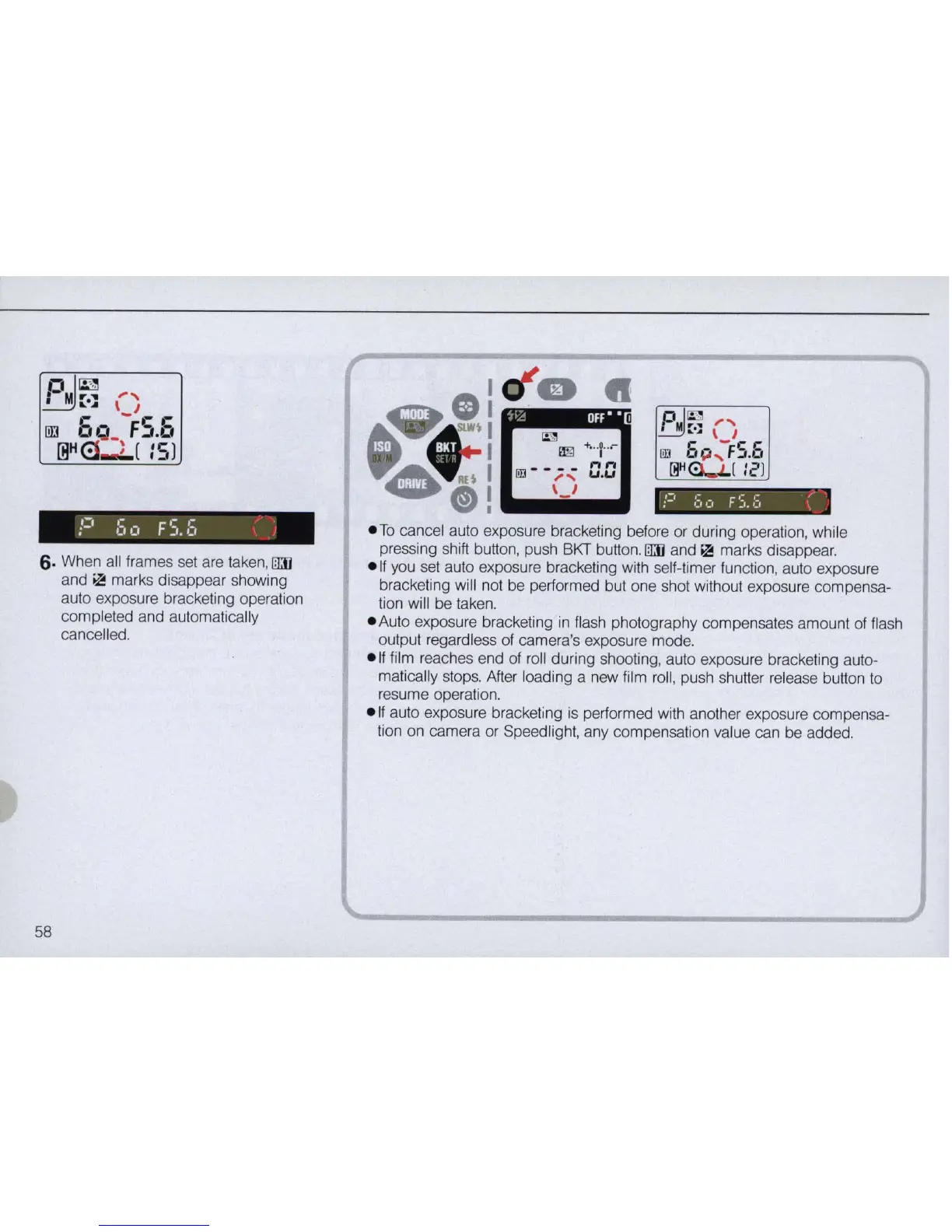
6.
When all frames set are taken,
ITIJj
and
~
marks disappear showing
auto exposure bracketing operation
completed and automatica
ll
y
cancelled.
58
~;~
OFF'
•
e
To
cancel a
ut
o exposure bracketing before or during opera
ti
on,
while
pressing shift button, push BKT button.
1TIJj
and
>11
marks disappear.
e
lf
you set auto exposure bracketing with self-timer function, auto exposure
bracketing will not be performed but one shot without exposure compensa-
tion will be taken.
e Auto exposure bracketing
in
flash photography compensates amount of flash
output regardless
of
camera's exposure mode.
e
lf
fi
lm reaches end of
ro
ll during shooting, auto exposure bracketing auto-
matically stops. After loading a new
fi
lm
ro
ll
, push shutter
re
lease button
to
resume operation.
e
if
auto exposure bracketing
is
performed with another exposure compensa-
tion on camera or SpeedJight, any compensation value can be added.



 To Next Page