36
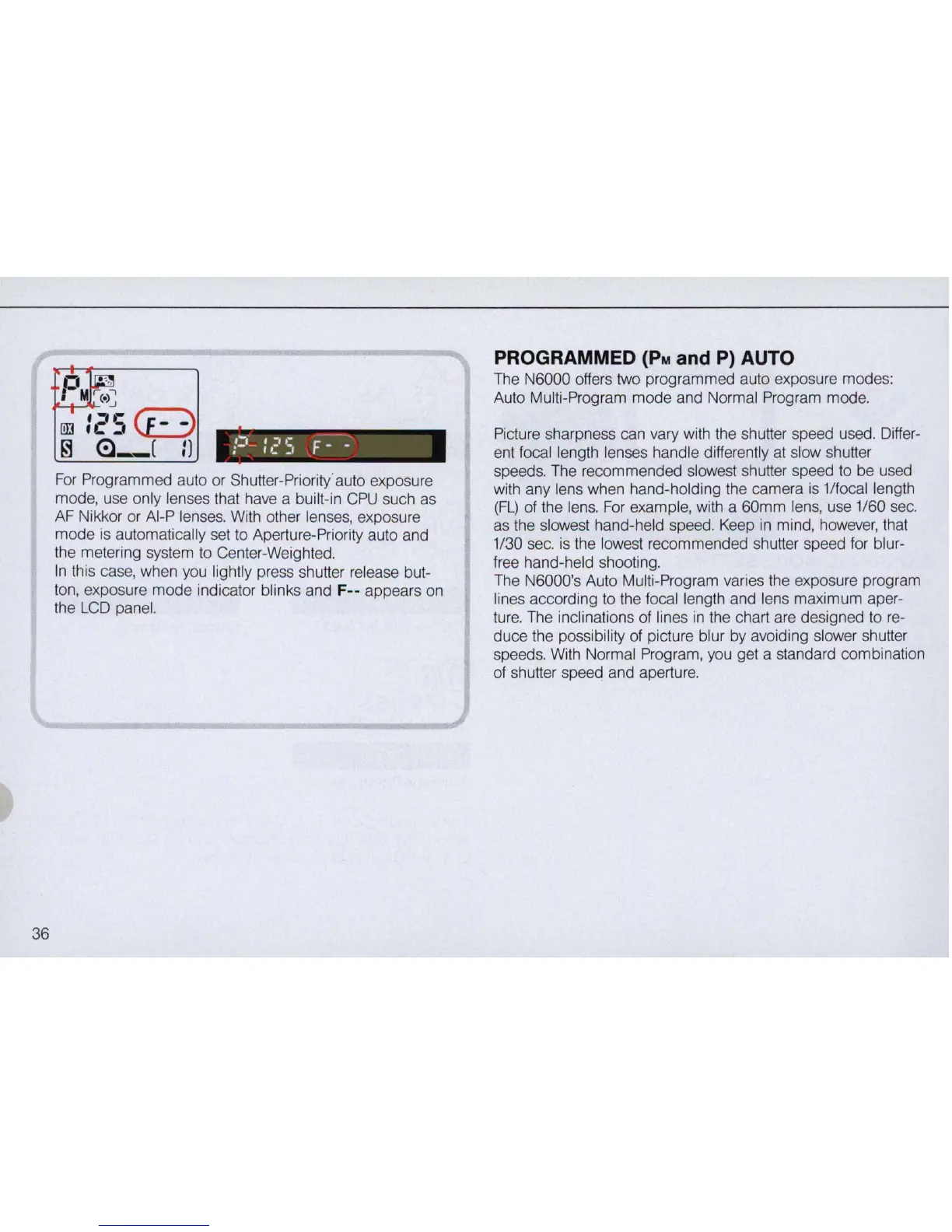
For
Pr
ogrammed auto
or
Shutter-Priority auto exposure
mode, use only lenses that have a built-
in
CPU
such
as
AF Nikkor or AI-P lenses. With other lense
s,
exposure
mode
is
automatically set to Aperture-Priority auto and
th
e metering system to Center-Weighted.
In
this case, when you lightly press shutter release but-
ton, exposure mode indicator blinks and
F-- appears on
the
LCD
panel.
PROGRAMMED
(PM
and P) AUTO
The N6000 offers two programmed auto exposure modes:
Auto Multi-Program mode and Normal Program mode.
Picture sharpness can vary with the shutter speed used. Differ-
ent focal length lenses handle differently
at
slow shutter
speeds. The recommended slowest shutter speed to be used
with any lens when hand-holding the camera
IS 1/focal length
(FL)
of the lens.
For
example, with a 60mm lens, use 1
/6
0 sec.
as
the slowest hand-held speed. Keep
in
mind, however, that
1/30 sec.
is
the lowest recommended shutter speed for blur-
free hand-held shooting.
The N6000's Auto Multi-Program varies the exposure program
lines according to the focal length and lens maximum aper-
ture. The inclinations
of
lines
in
the chart are designed to
re
-
duce the possibility
of
picture blur by avoiding slower shutter
speeds. With Normal Program, you get a standard combination
of shutter speed and aperture.



 To Next Page