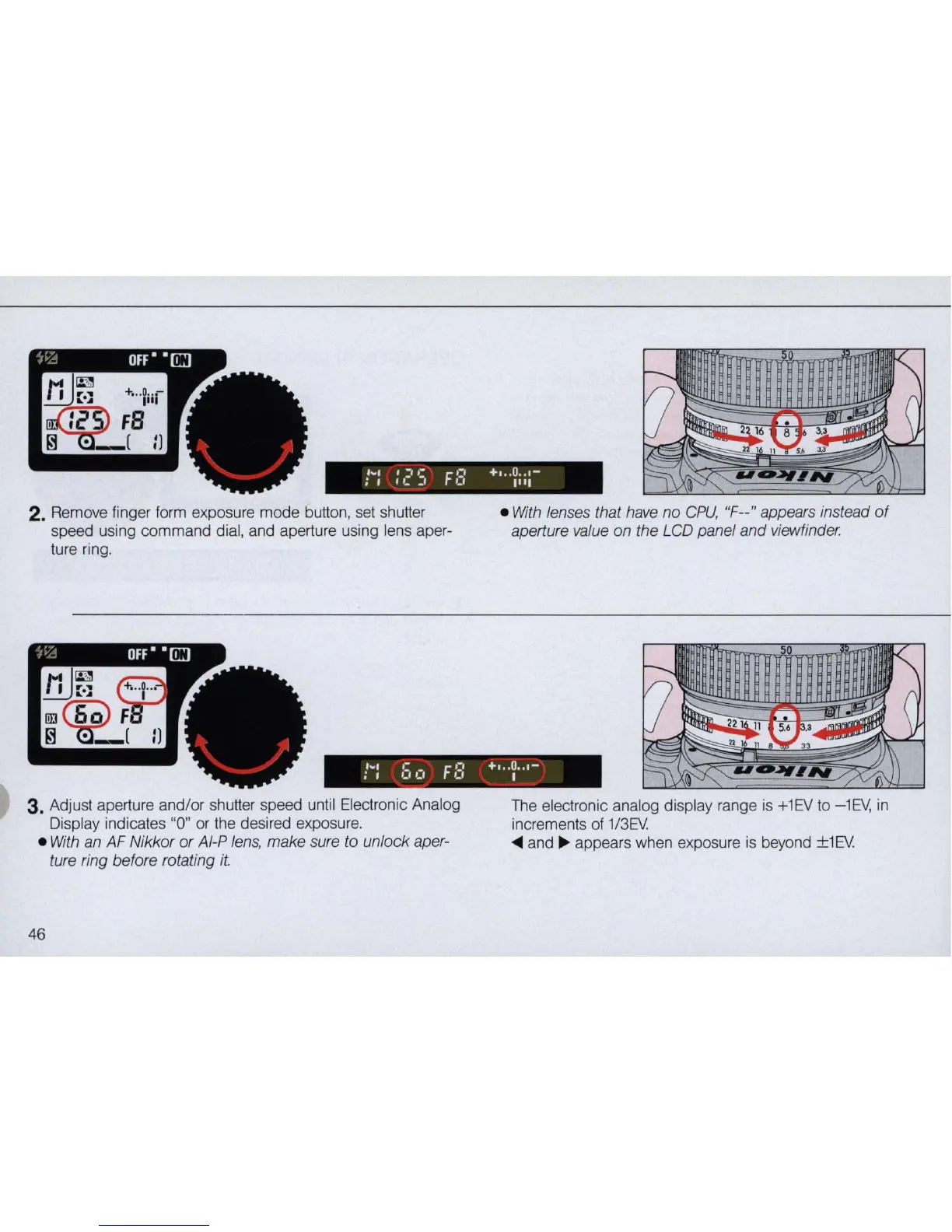
2.
Remove finger form exposure mode button, set shu
tt
er
speed using command dial, and aperture using lens aper-
ture ring.
•
With
lenses that have
no
CPU,
"F--" appears instead
of
aperture value on the LCD panel and viewfinder.
t·:
bet
FE:
+I ..
~
..
,-
3. Adjust aperture and/or shutter speed until Electronic Analog
Display indicates "0"
or
the desired exposure.
•
With
an AF Nikkor
or
AI-P lens, make sure to unlock aper-
ture ring before rotating
it.
46
The electronic analog display range
is
+1EV
to -1EV,
in
increments
of
1/3EV
....
and
~
appears when exposure
is
beyond ±1EV



 To Next Page