LCD panel
Shutter
Cause
and
remedy
j
&i
~
t·::
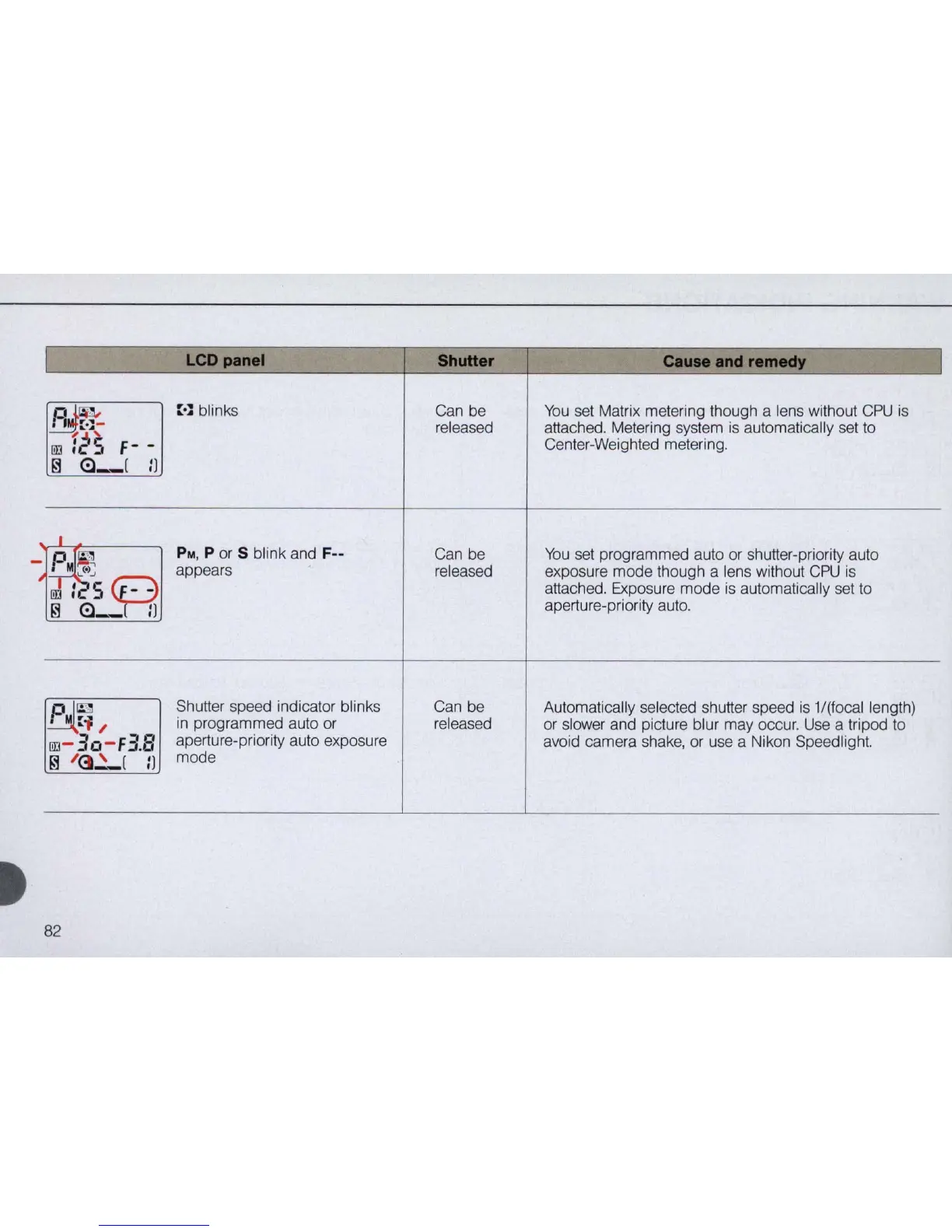
blinks Can be
You
set Matrix metering though a lens without
CPU
is
. [ .] -
released
attached. Metering system
is
automatically set
to
rn
:25
F-
-
Center-Weighted metering.
~
<:l_
[
n
J
I~
PM
, P
or
5 blink and F--
Can be
You
set programmed auto or shutter-priority auto
M
~
appears
released
exposure mode though a lens without
CPU
is
rn
l
S
~
attached. Exposure mode
is
automatically set to
~
<:l_
n
aperture-priority auto.
~~
/
Shutter speed indicator blinks Can be Automatically selected shutter speed
is
1/(focal length)
in
programmed auto or released
or slower and picture blur may occur.
Use
a tripod to
rn
- 30-
F3.8
aperture-priority auto exposu
re
avoid camera shake, or use a Nikon Speedlight.
~
/
()~[
n
mode
82



 To Next Page