B-18
B
Operation
En-03
STEP
3
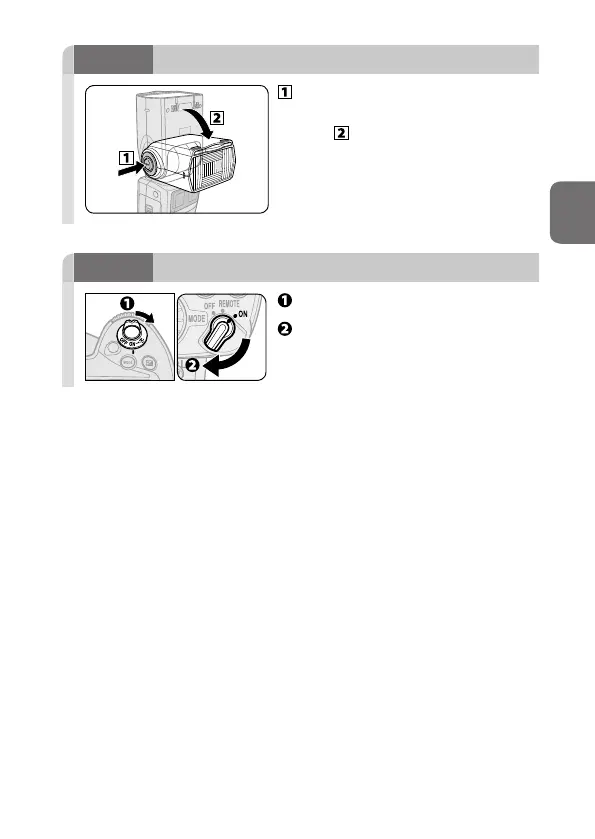
Adjusting the flash head
While holding down the flash
head tilting/rotating lock release
button, adjust the flash head to
the forward-facing position.
• The flash head is locked when tilted
90° up or set in the forward-facing
position.
STEP
4
Turning the camera and SB-5000 on
Turn the camera on.
Set the SB-5000’s power switch to
[ON].



 To Next Page