- 50 -
B.2 Preview Quality
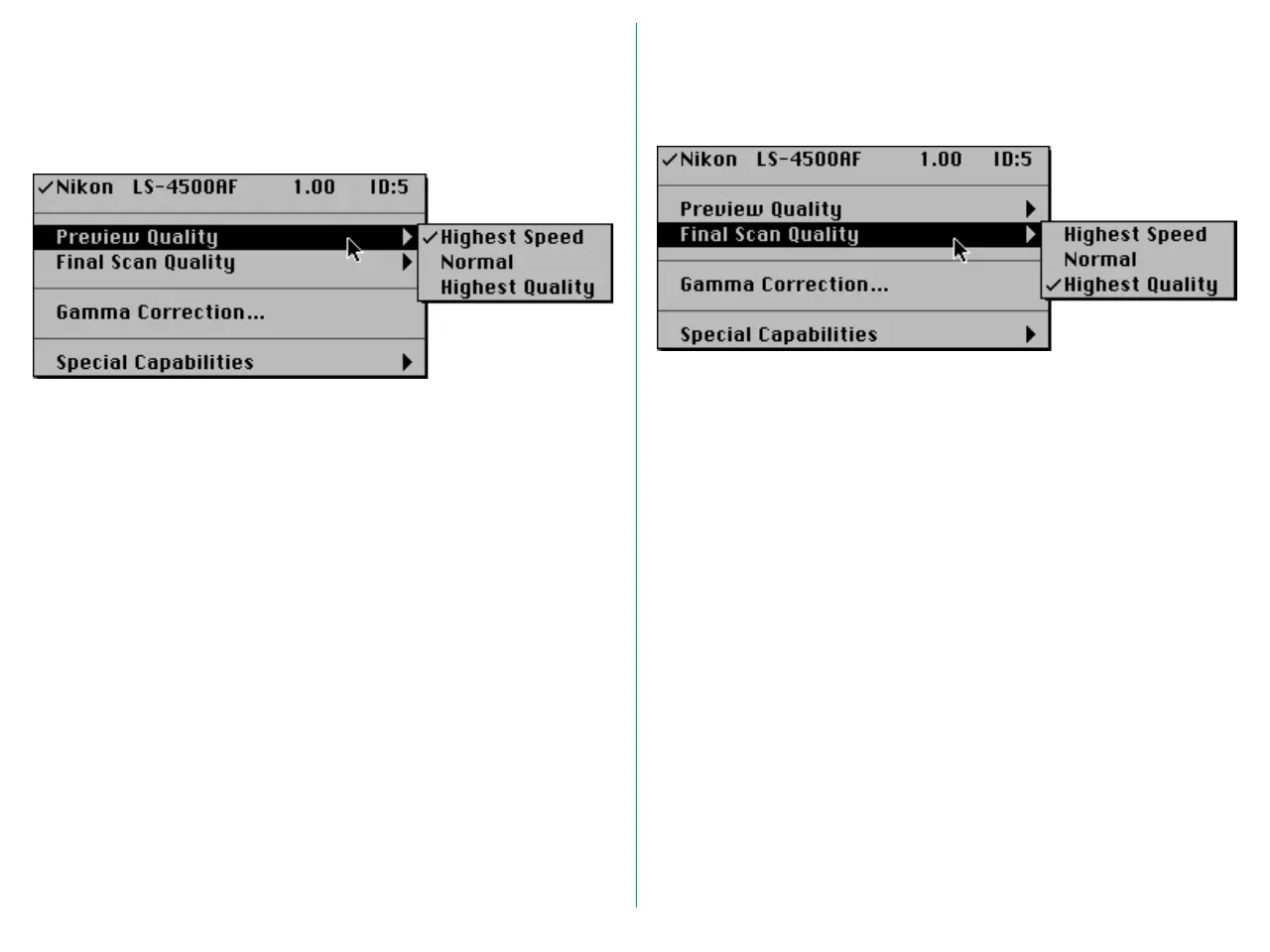
Setting preview quality allows you to chose whether preview
operations are to be performed in high speed mode or in high
quality mode.
Select one of the following from the Preview Quality submenu.
Highest Speed:
Preview with emphasis on speed
Normal: Normal preview
Highest Quality:
Preview with emphasis on quality
B.3 Final Scan Quality
Setting final scan quality allows you to choose whether scanning
takes place in high speed mode or in high quality mode.
Select one of the following from the Final Scan Quality
submenu.
Highest Speed:
Scan with emphasis on speed
Normal: Normal scan
Highest Quality:
Scan with emphasis on quality
Under normal circumstances the best choice is Highest Quality.















 To Next Page