- 53 -
C.2 Using Option Adapters
When the optional transparency adapter or ADF (Auto
Document Feeder) is fitted to the AX-110 or AX-210, a
submenu is added to the Media Type menu to enable the
option.
Using the Transparency Adapter
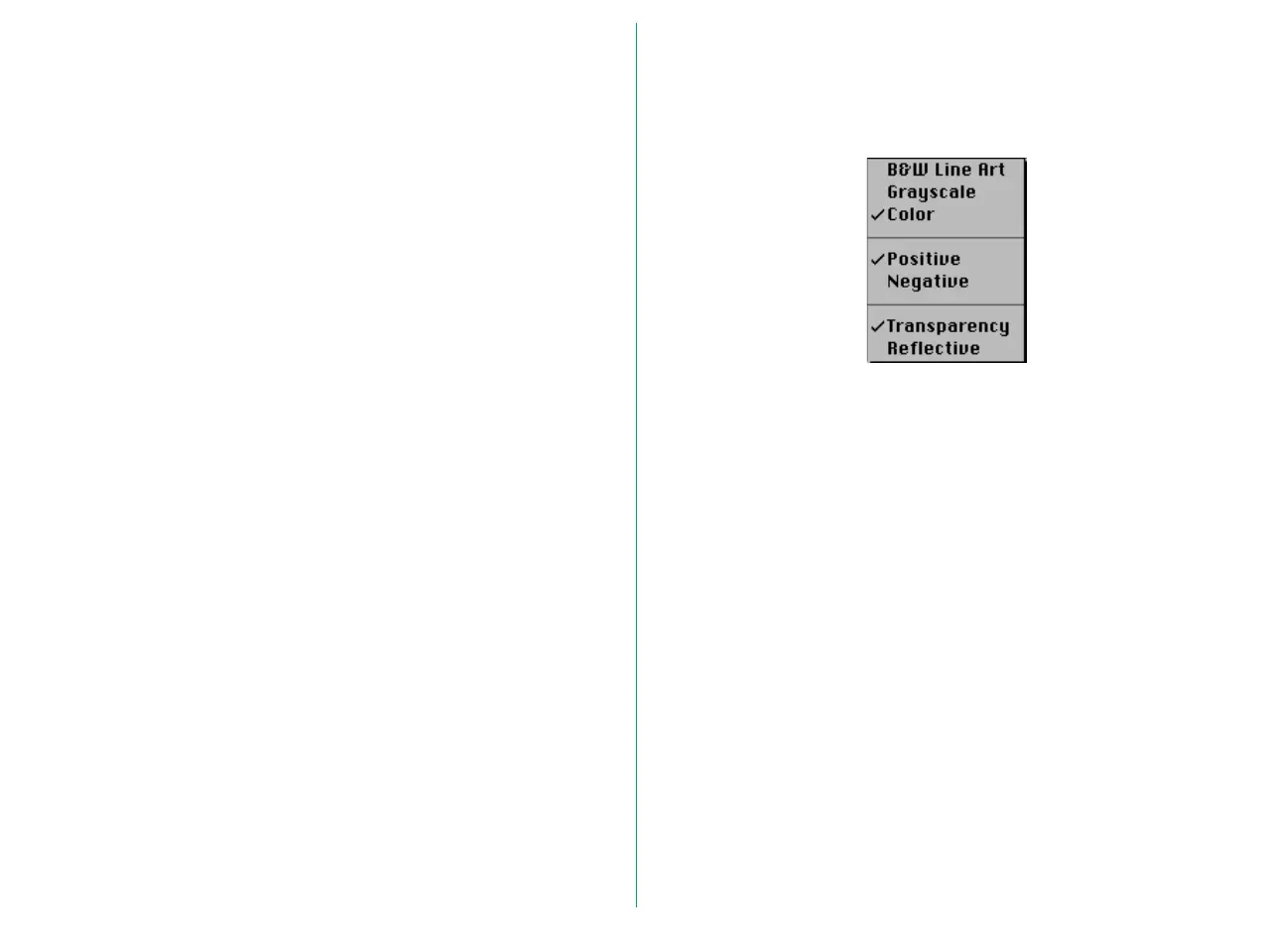
When the optional transparency adapter is fitted to the AX-
110 or AX-210, additional items appear at the bottom of the
Media Type pop-up menu.
Choose one of the following from the lower part of the Media
Type menu.
Transparency: To scan transparency images
Reflective: To scan reflective images
Note: When scanning transparencies with the Media Type set to
Negative, the prescan operation will be optimized for the currently
selected crop. If a new crop is selected after preview, it may be
necessary to carry out the prescan operation again. After changing
the crop area, it is recommended that you click the Zoom-in
button to conduct a preview with the prescan optimized for the
new crop.















 To Next Page