- 54 -
Using the ADF (Auto Document Feeder)
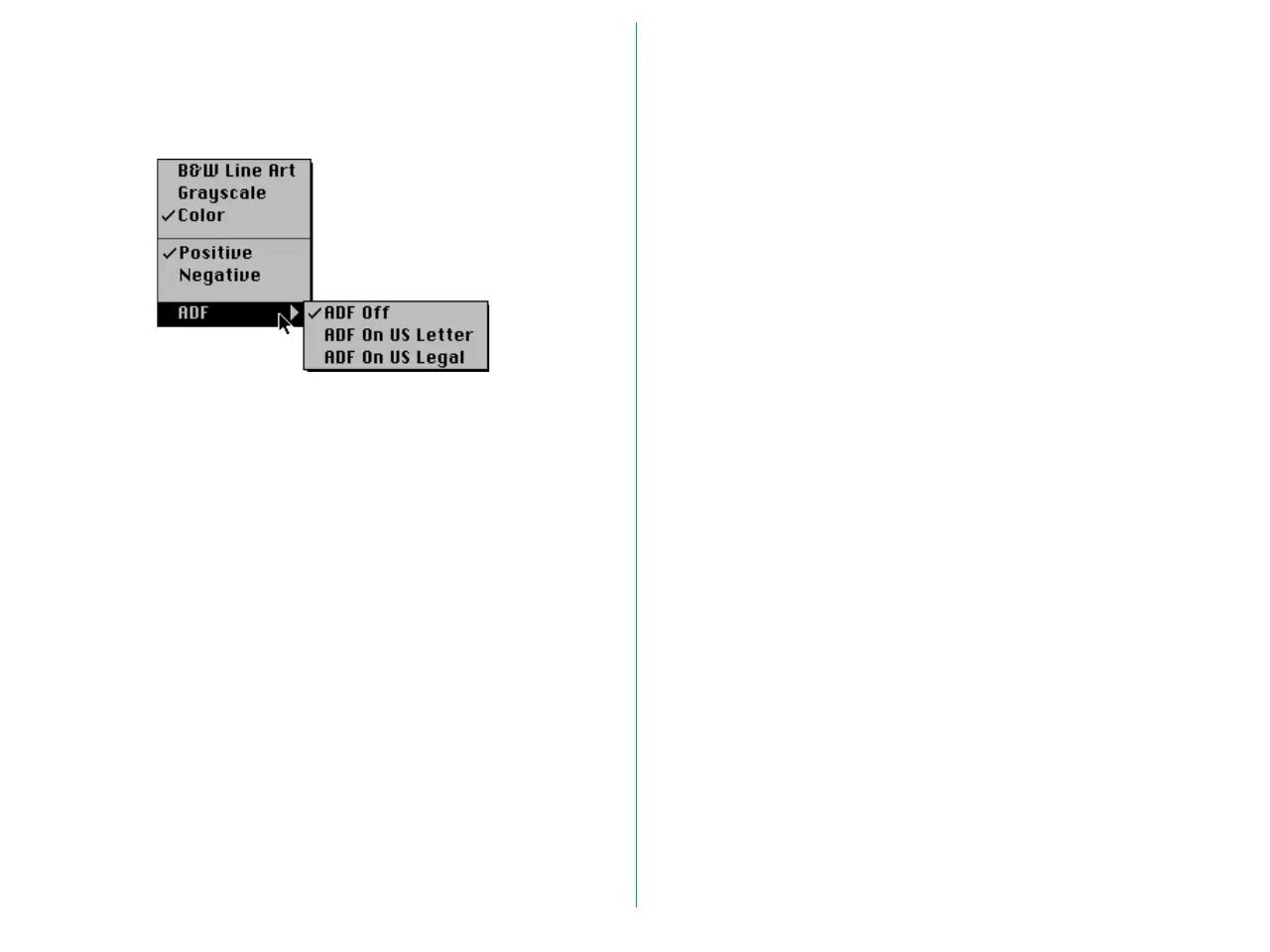
When the optional ADF (Auto Document Feeder) is fitted to
the AX-110 or AX-210, the ADF submenu appears at the
bottom of the Media Type menu.
Choose any one of the following from the ADF submenu.
ADF Off: Disables the ADF. The document positioned
on the document setting glass will be scanned.
ADF On US Letter:
Enables scanning of letter-sized documents
placed on the ADF.
ADF On US Legal:
Enables scanning of legal-sized documents
placed on the ADF.
Note: When the AF-10 Auto Document Feeder is attached to
your scanner, automated continuous scanning is available with
applications supporting continuous acquire, such as Photoshop
version 3 or above or EasyPhoto 1.5. Continuous scanning can be
initiated by clicking the Scan button in the Main Dialog Box while
holding down the Option key.















 To Next Page