- 55 -
C.4 Sharpening
It is often necessary to sharpen images prior to reproduction
since there are often losses in definition when going to press.
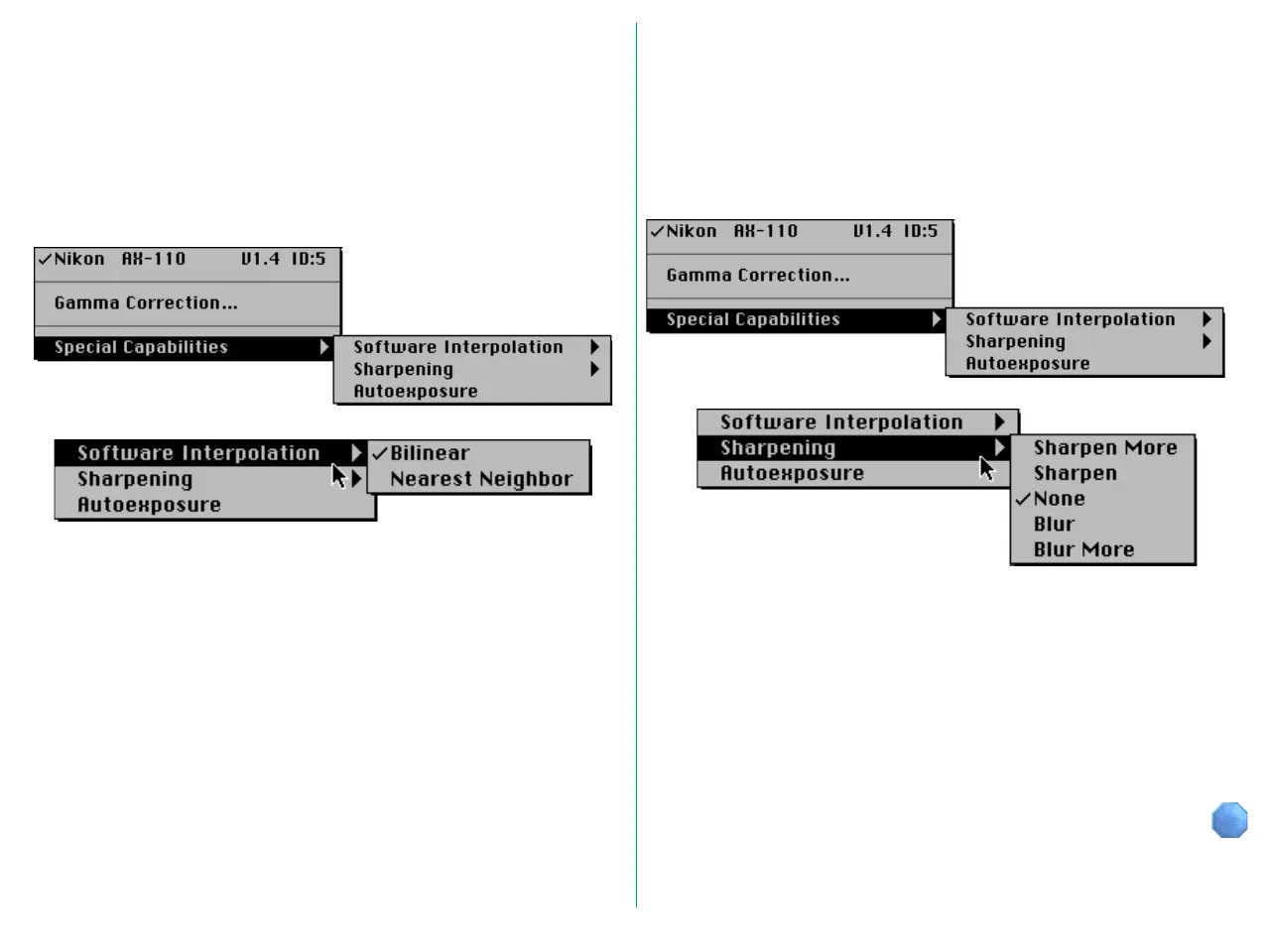
To enhance edge contrast, choose Sharpening from the Special
Capabilities submenu.
Choose any one of the following from the Sharpening menu.
• Sharpen More
• Sharpen
• None
• Blur
• Blur More
C.3 Software Interpolation
Software interpolation is used to provide precise image scaling
and resolution.
The pop-up menu at the top left corner of the Main dialog box
includes the Special Capabilities sub-menu. Choose Software
Interpolation from the Special Capabilities menu.
You can choose either of the following from the Software
Interpolation menu.
Bilinear: Interpolation with emphasis on accuracy
Nearest Neighbor:
Interpolation with emphasis on high-speed
processing














 To Next Page