10
Step 4: Group the Units
Each receiver can be placed in any of four groups (A, B, C, and D). A
transmitter can then be used to control the diff erent groups sepa-
rately by selecting the appropriate group before operating the
transmitter controls. Transmitters will only control receivers in the
selected group.
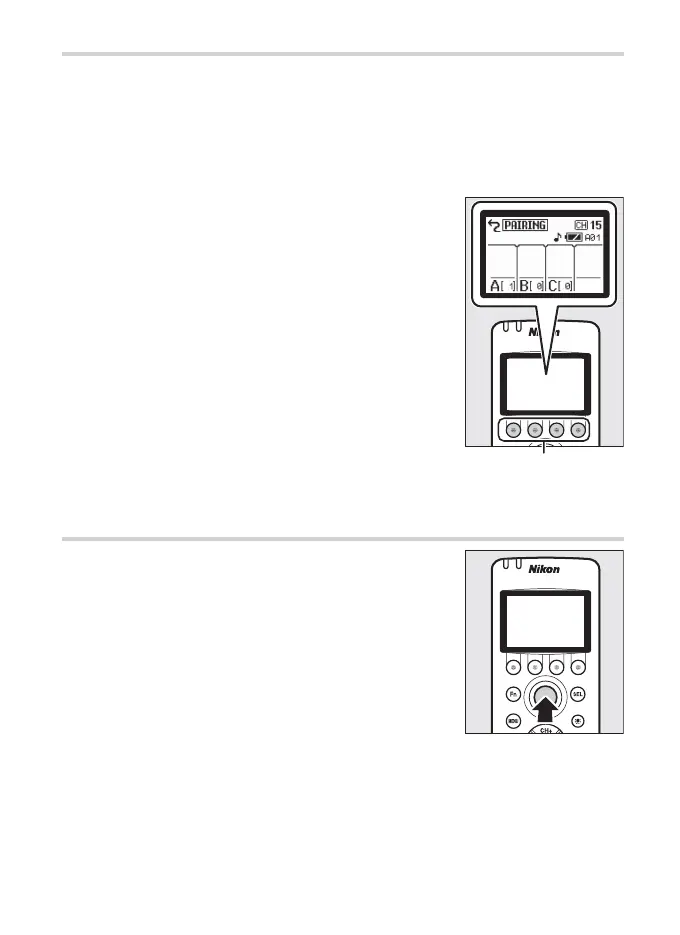
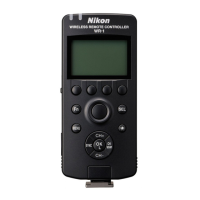
To choose a group, use the group buttons. The
group name appears in the display.
Group buttons
Step 5: Take Pictures
The shutter-release button on the transmitter
performs the same functions as the camera
shutter-release button whether pressed half-
way or all the way down. See the camera man-
ual for details.


 To Next Page