Subject to alterations Page 14 of 33
Activating the SERVICE menu
Press and hold and ENTER simultaneously for 10 seconds. The SERVICE menu can then be
accessed. Press repeatedly until SERVICE appears on the display. Press ENTER to activate
the SERVICE menu. It is then possible to scroll through the SERVICE menu options using the p
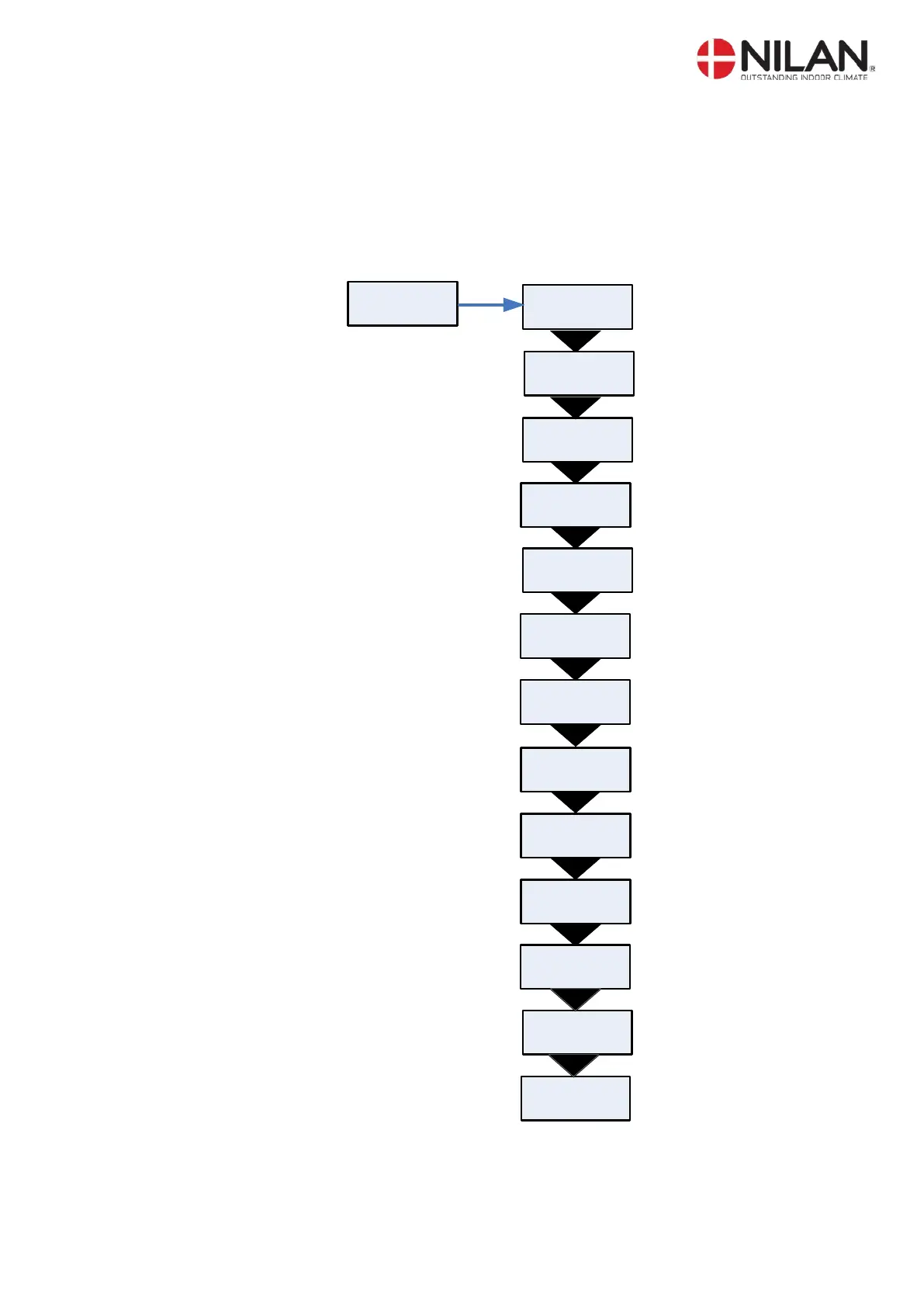
buttons. The options available on the SERVICE menu are shown in the figure below.
DEFROST
ENTER
SERVICE
AIR
QUALITY
AIR
EXCHANGE
TEMP.
CONTROL
INLET
CONTROL
ROOM
CONTROL
RESTART
OFF
PRESET
OFF
MANUAL
OFF
INLET
HEATING
HOTWATER
MODBUS
ADR 30
DATALOG
INTV 10
Figur 9: Headlines in the service menu


 To Next Page
 Loading...