Subject to alterations Page 22 of 33
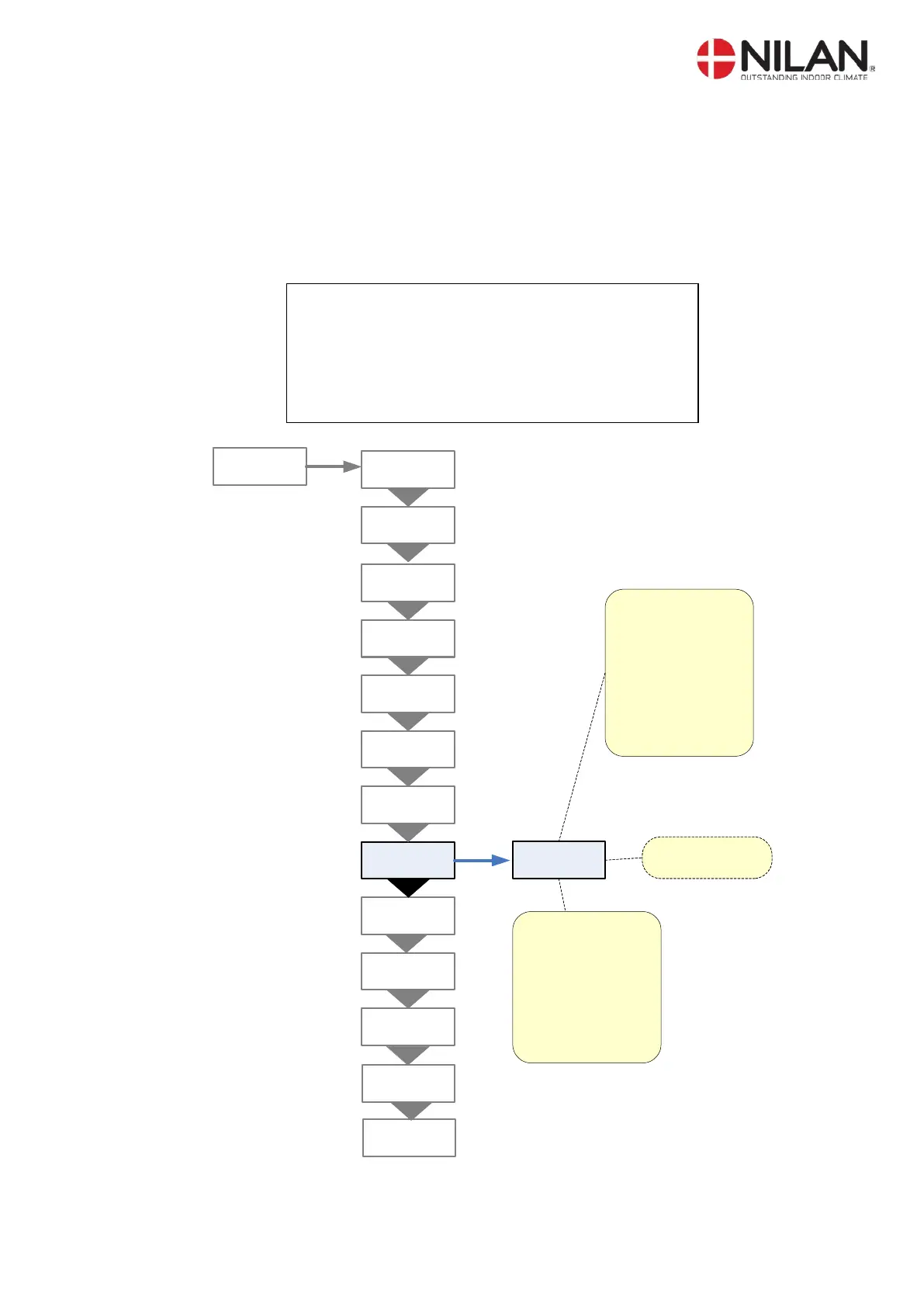
Room control
The ROOM CONTROL menu allows the room temperature controller to be set.
Options that flash are indicated by ” ”
Parameters in the ROOM CONTROL menu should only be set by experienced control
technicians.
On the CTS602 control panel, press:
- ESC to return to the previous menu
- p to scroll upwards or downwards through the menus or to
adjust the setting of an activated menu option
- ENTER to activate a menu option
- ENTER to confirm a menu option setting
- OFF switch off the controls
- ON to switch on the controls
INLET
HEATING
ROOM
CONTROL
TEMP.
CONTROL
HOTWATER
AIR
EXCHANGE
DEFROST
INLET
CONTROL
SERVICE
ENTER
RESTART
OFF
MANUAL
OFF
PRESET
OFF
ENTER
AIR
QUALITY
N
-ZONE
2
,0 °C
Heat demand:
Neutral Zone for start
and stop of the
evaporator:
Desired room
temperature
(21°C
) +
N
-ZONE
(2°C
) = 20°C
for start of the
evaporator,
22°C for
stop of the evaporator
Can be set from
0,5-10°C
.
Cool demand:
Start of evaporator:
desired room
temperature (
21°C) +
Cooling menu (SET
+5°C) = 26°C.
Stop of evaporator:
26°C - ½ N-ZONE
(
2°C) = 25°C
MODBUS
ADR 30
DATALOG
INTV 10
Figur 17: The "Room control" Menu

 To Next Page
 Loading...