Page | 36
Sensor Calibration
Magnetic Calibration
When operating Perception Neuron 3 in new environments, we suggest users to perform a magnetic
calibration at the same location you'll capture motion. There are two calibration modes, standard mode
and simplified mode.
Standard Mode
1. Turn on all sensors and link sensor to Axis Studio,do not remove sensors from the charging dock.
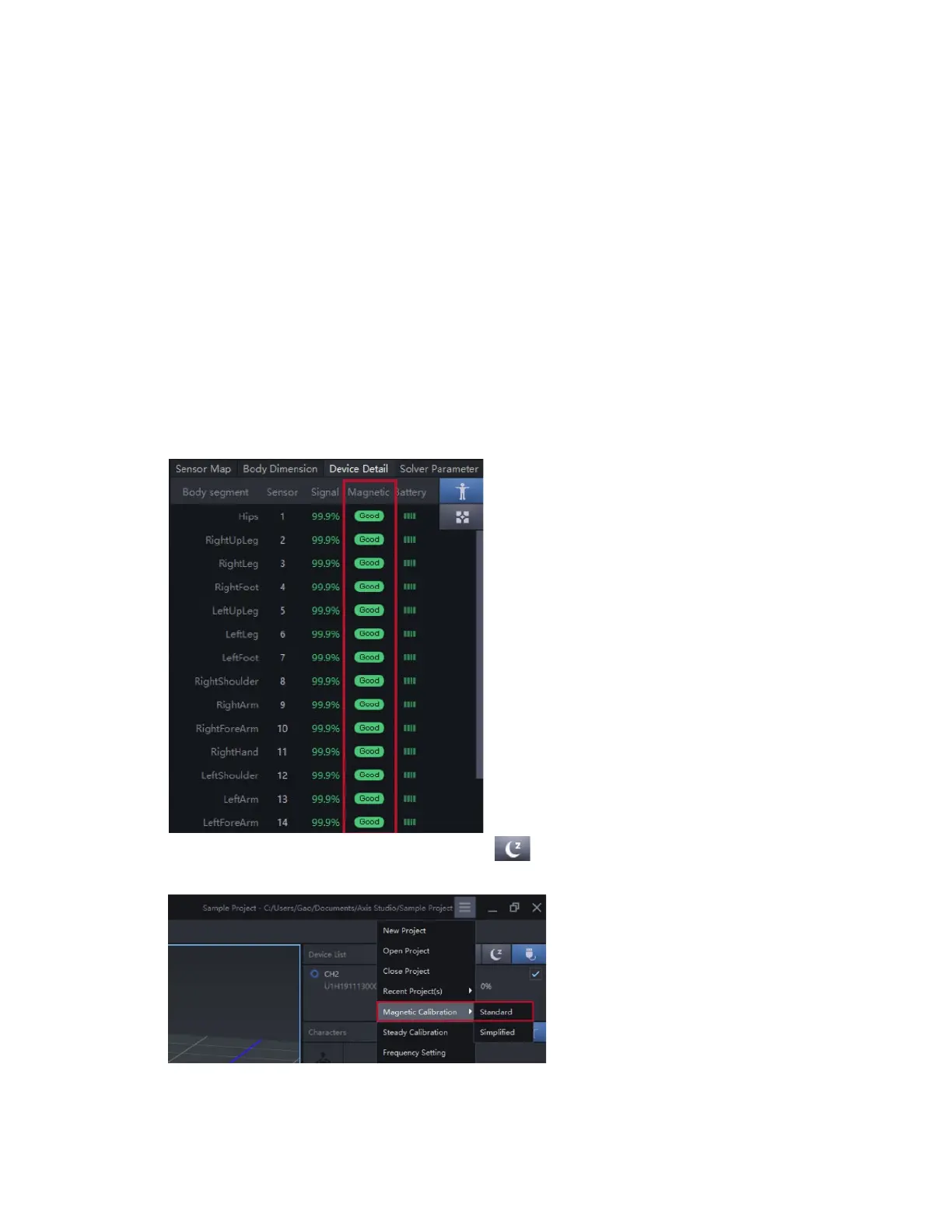
2. Locate an area where all sensors display a magnetic green status in the Device Detail panel.
Perform magnetic calibration at the found location.
3. Place sensors in sleep mode by clicking on the button
4. Click Magnetic Calibration Standard from the Menu options.
5. Click Connect button, then click Start button after sensors light up.



 To Next Page