Page | 37
6. Follow the instructions video, rotate the charging dock with sensors attached. Axis Studio will
calculate the data in the background and the process will complete when there is a successful
calculation.
7. Wait until “Sensor magnetic calibration successful” pops up.
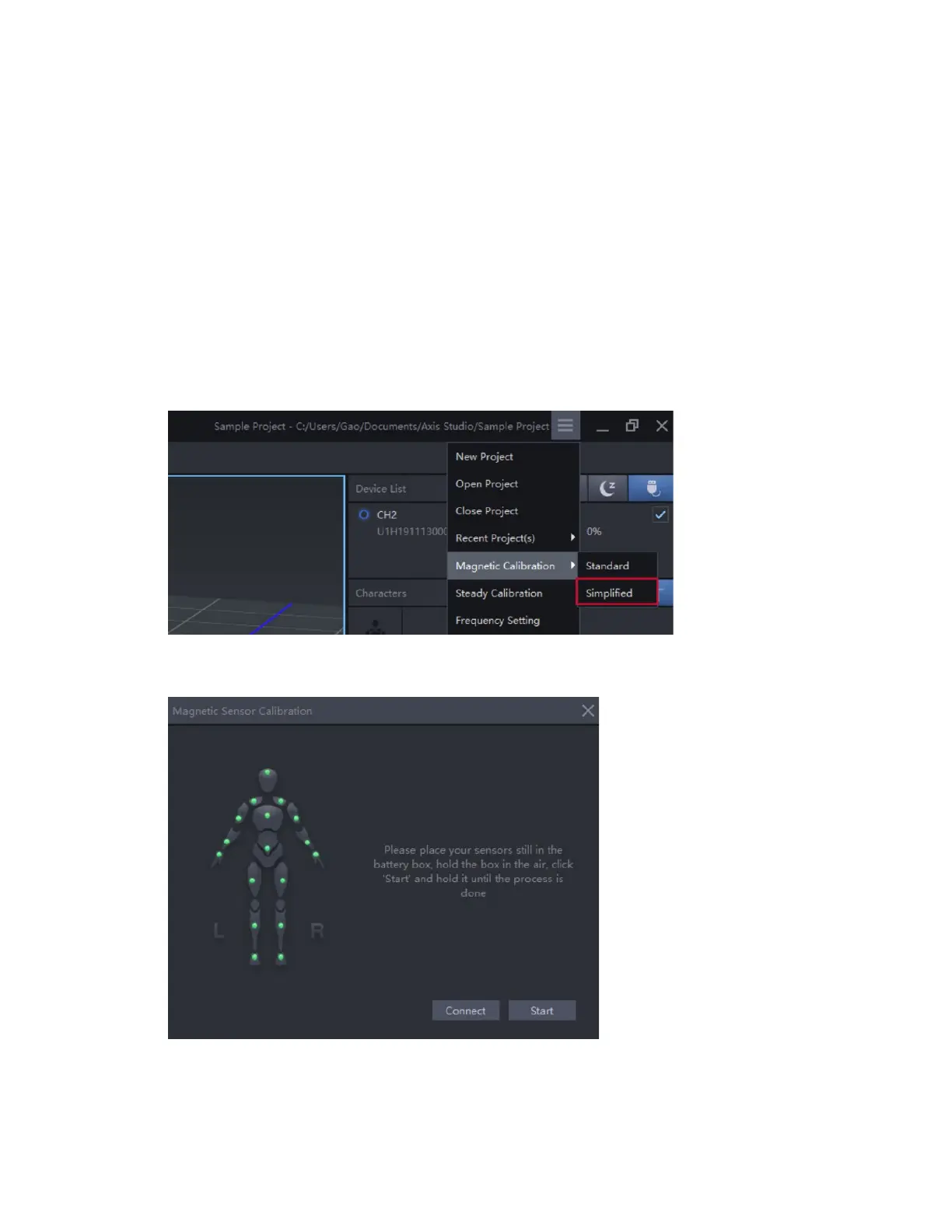
Simpliflied Mode
1. Turn on all sensors in the charging dock and link sensor, do not remove sensors from the
charging dock.
2. Place sensors in sleep mode by clicking on the button.
3. Click Magnetic Calibration Simplified.
4. Hold the charging dock in the air, away from any magnetic interference.
5. Click “Connect” button first, then click the “Start” button after sensors light up
6. Wait until “ calibration done” pops up.



 To Next Page