17
Operator Functions
T
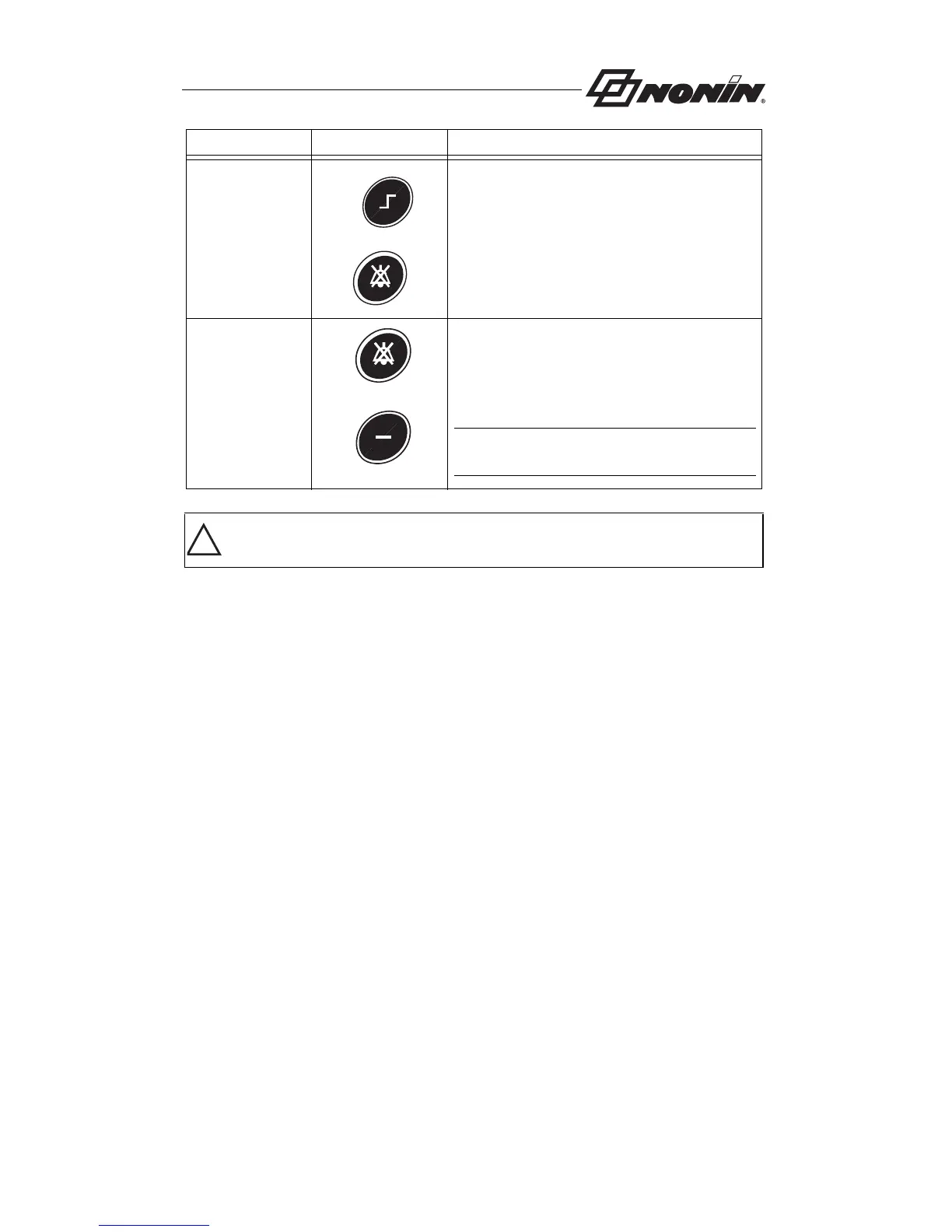
Make Current
Alarm Values
User-defined
Defaults
To set the User-Defined Defaults to the
current alarm settings, hold the Alarm
Silence button and then press the Limits
button.
Revert to
Factory
Defaults
To revert to the factory defaults, from the
User-Defined Defaults alarm limits, hold
the alarm Silence button and then press
the Minus (-) button.
NOTE: User-defined default values will be
lost when factory defaults are made active.
CAUTION: Review all limits to ensure they are appropriate for the patient.
Function Button Instruction
+
+
!



 To Next Page