Barnes & Noble NOOK HD+ User Guide 57
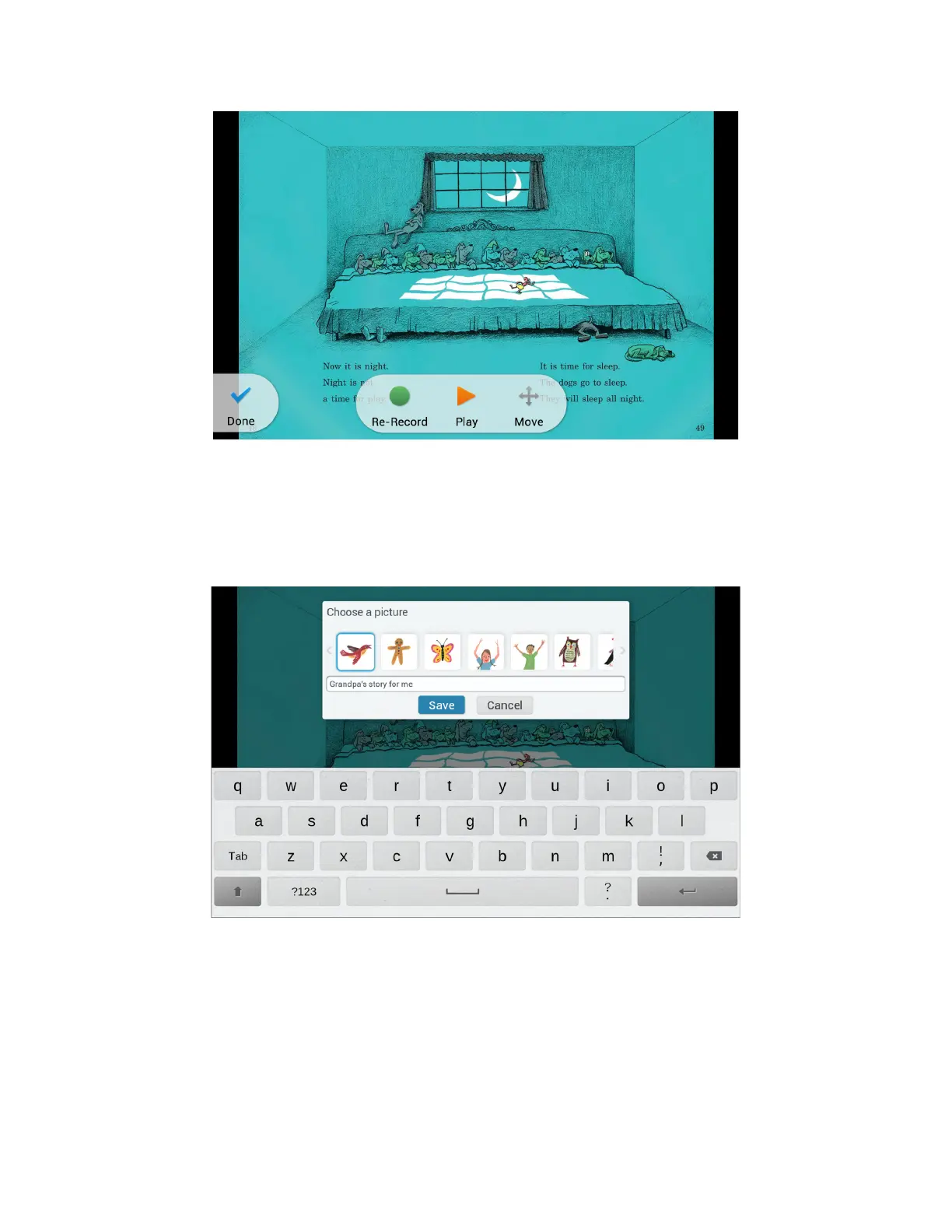
The Play and Re-record buttons.
5. To continue recording, swipe or tap to turn to the next page and tap Record.
6. Continue recording and turning pages until you have finished the book.
7. At the end of the book, next to the back cover, press the blue Done button at the top of the screen.
Your NOOK opens a dialog box for giving your recording a title and labeling it with a picture.
Choose a picture and type a title for your recording.
8. Tap the picture you want to use as a label.
9. Tap the text field for the recording’s name. Type the name for the recording.
10. Tap Save.
Your NOOK returns you to the front cover of the NOOK Kids book. You recordings appear in the lower left
corner of the screen.



 To Next Page