10
4.2.3 Using the Toggle Switches
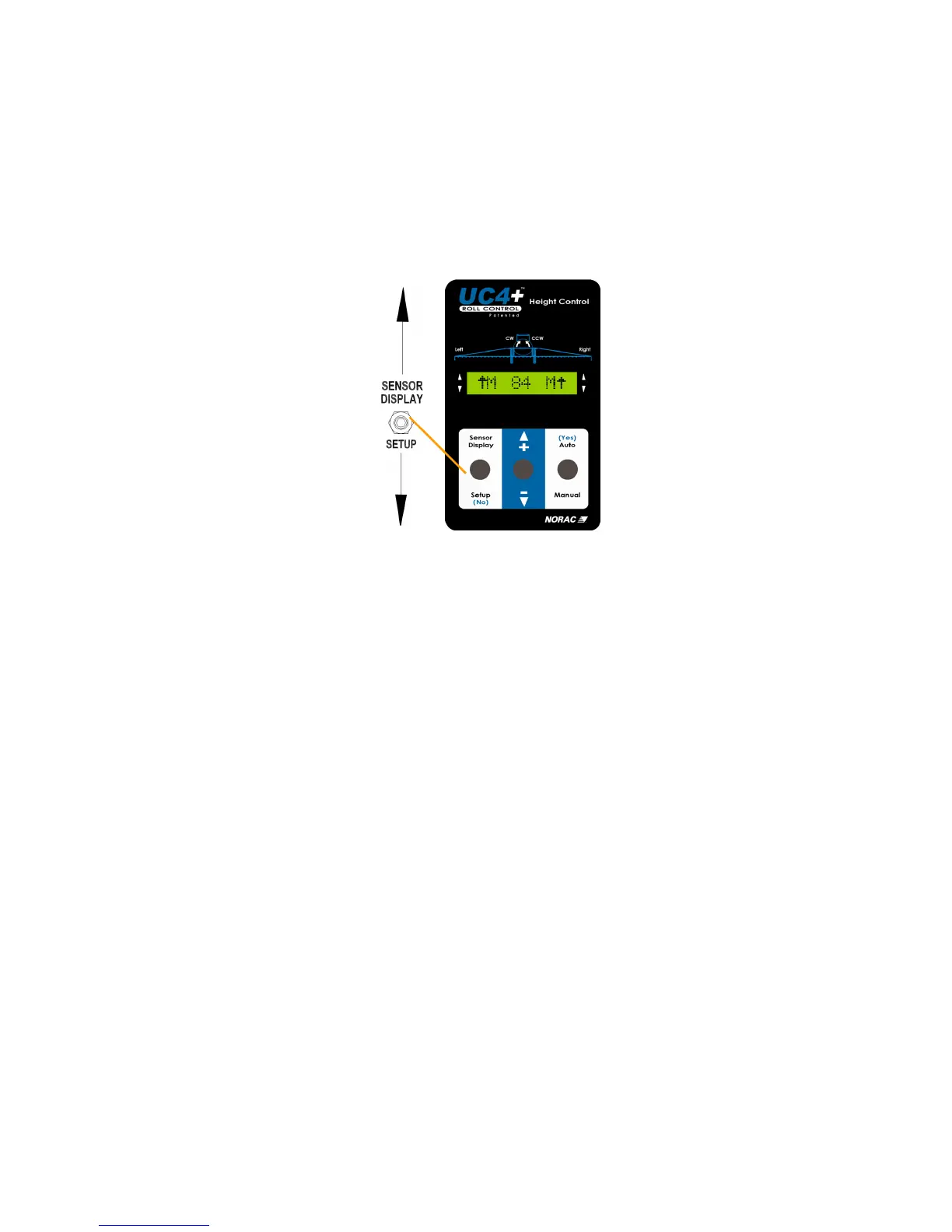
All functions on the UC4+ control panel are activated using its three toggle
switches. To access either the SENSOR DISPLAY or SETUP menus,
make sure you are at the Normal Operating Screen. To adjust the setting of
individual menu items, use the " +/- " switch while the item is displayed.
• New settings take effect once the Normal Operating Screen is displayed
Figure 7 – Normal Operating Screen
Menu items will time out and return to the Normal Operating Screen after 30
seconds. If you wish to return to the Normal Operating Screen sooner,
toggle and hold the "SETUP (NO)" switch for two seconds. Any new
settings will take effect once the Normal Operating Screen is displayed.
If you wish to lock the sensor height readings on the screen indefinitely,
toggle the " + " switch once while viewing the desired sensors.



 To Next Page