33
E A S Y R E M O T E N O R D G A S
USER
11.2 - Change storage tank program
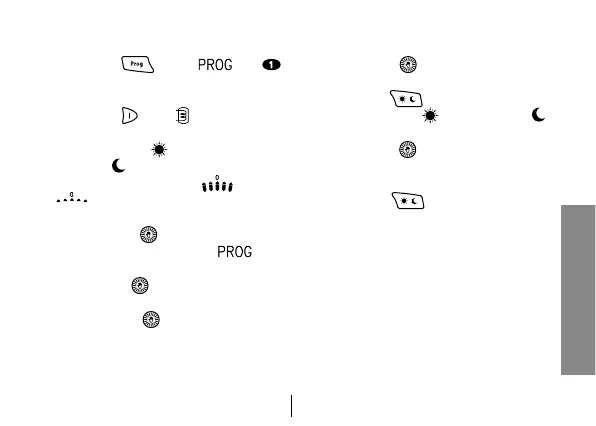
1. Press key
. Icons and
will appear on the display and show
the first day of the week.
2. Press key . Icon will light up on
the display and show the storage tank
program. Icons (storage tank ena-
bled) or (storage tank disabled)
and the jumper are ON or OFF
matching the level of the dis-
played time.
3. Press button to move to the pro-
gram change zone: icon and
the day of the week will blink.
4. Turn button
to select the day you
want.
5. Press button to confirm the day
you selected and to move to the time.
The day of the week will stop blinking
and the time will start blinking.
6. Turn button
to select the time you
want.
7. Press key to change boiler sta-
tus ENABLED ( ) / DISABLED ( )
assigned to current time.
8. Turn button until it shows the time
period for which you want to keep the
current level.
9. Press key to change level and
so on.
10. Repeat operations from point 3 on to
change the day.



 To Next Page