Chapter 5 Advanced Troubleshooting 57
BCM50 Troubleshooting Guide
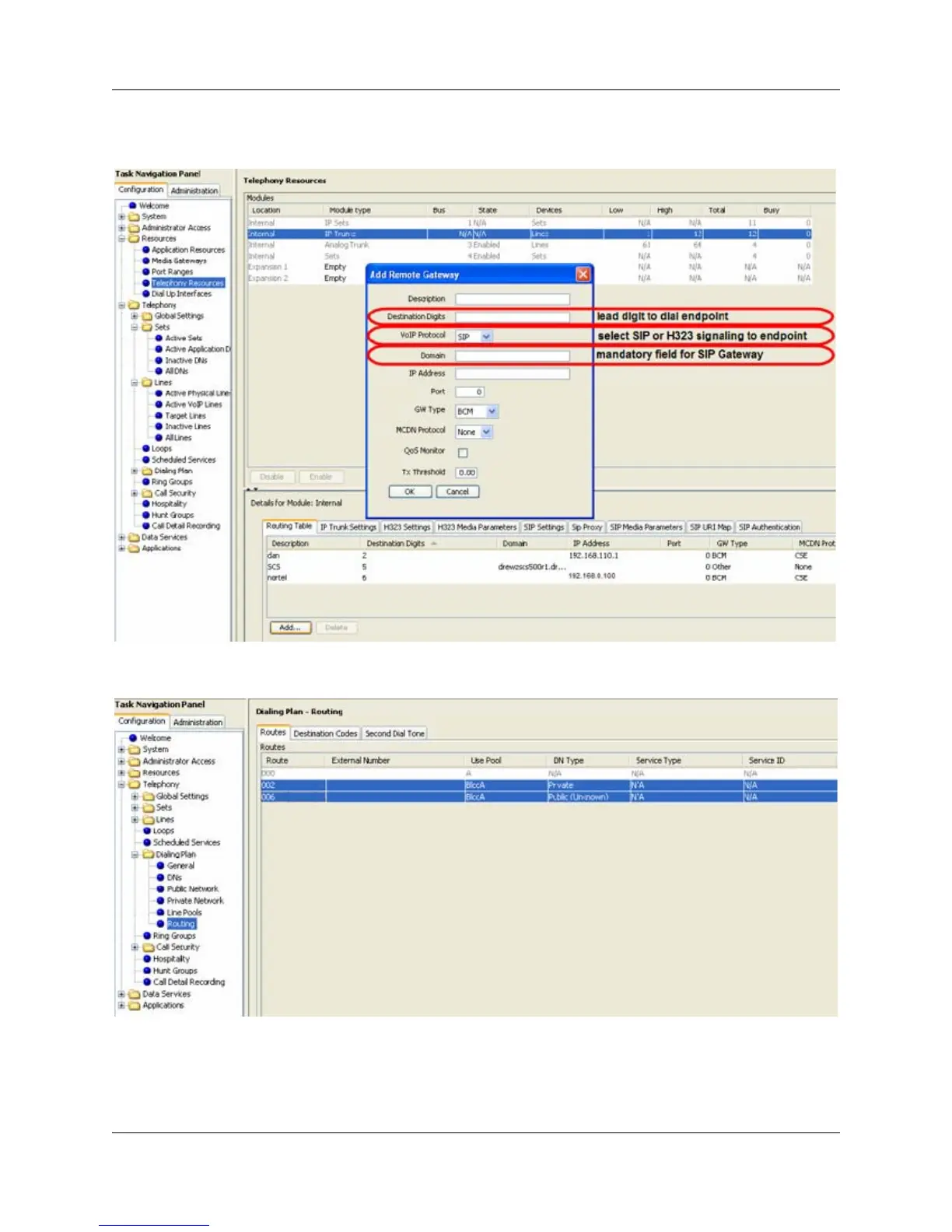
6 Click the Add button to open the Add Remote Gateway dialog box. Verify that the remote
gateway is configured correctly.
7 Select Configuration > Telephony > Dialing Plan > Routing and select the Routes tab.
Verify that the route is configured correctly.
8 Select Configuration > Telephony > Dialing Plan > Routing and select the Destination
Codes tab. Verify that the destination code is configured correctly.





 To Next Page