Chapter 5 Advanced Troubleshooting 63
BCM50 Troubleshooting Guide
Troubleshooting example 5
1 Check that the LED indicators on the BCM Chassis are solid green.
2 Verify the physical connection from the carrier demarcation; ensure that the cable is securely
connected.
3 Verify the physical connection from the carrier demarcation to the BCM50 equipment; ensure
that the cable is securely connected.
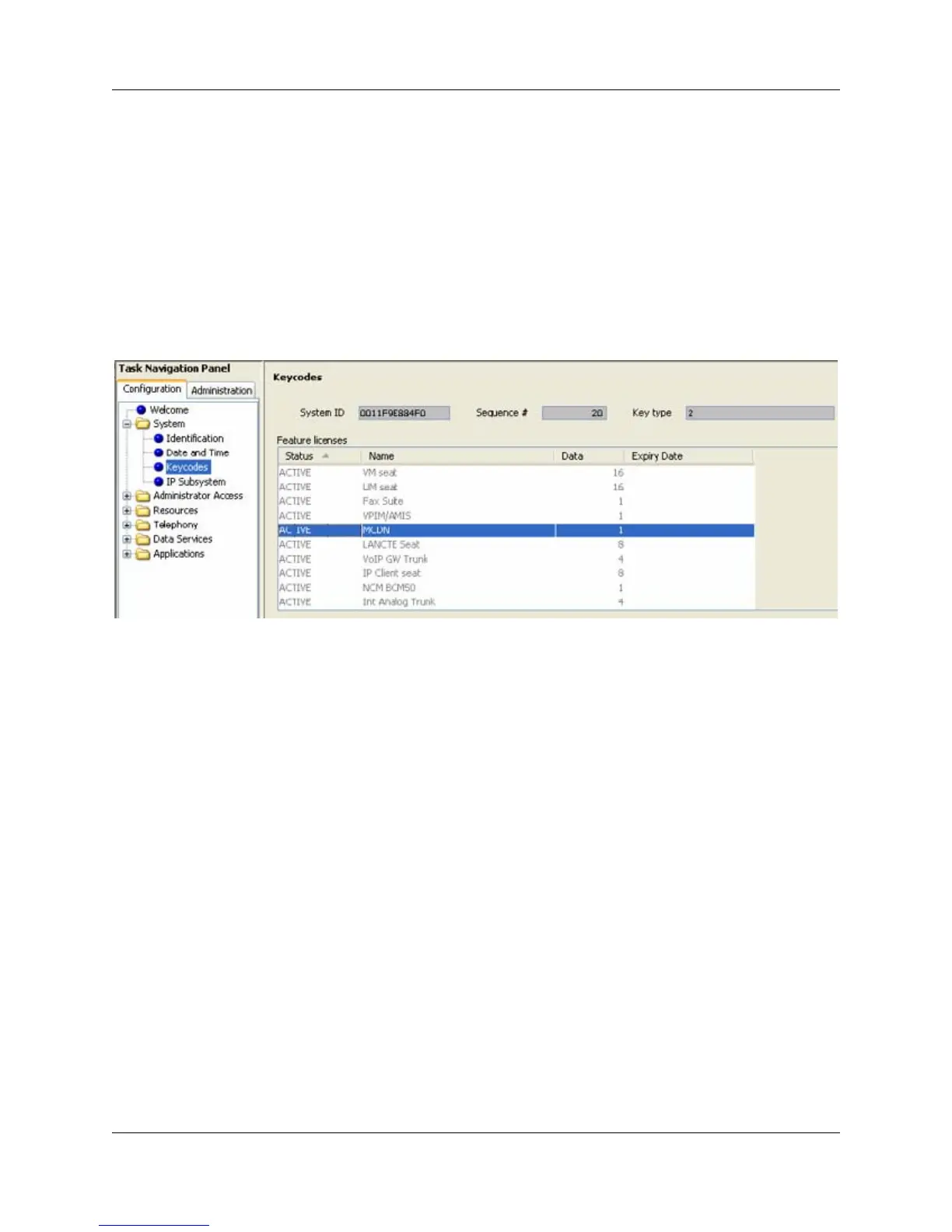
4 If you are using SL-1 or ETSI QSIG, verify that the MCDN keycode is active. From the
Element Manager, select Configuration > System > Keycodes to view the list of installed
features.
5 Verify that the digital trunk parameters are configured according to the parameters specified by
your carrier or central office.
6 Select Configuration > Resources > Telephony Resources and click the Trunk Port Details
tab. Verify that the trunk port details and state are correctly provisioned.





 To Next Page