Chapter 10 Frequently Asked Questions 87
BCM50 Troubleshooting Guide
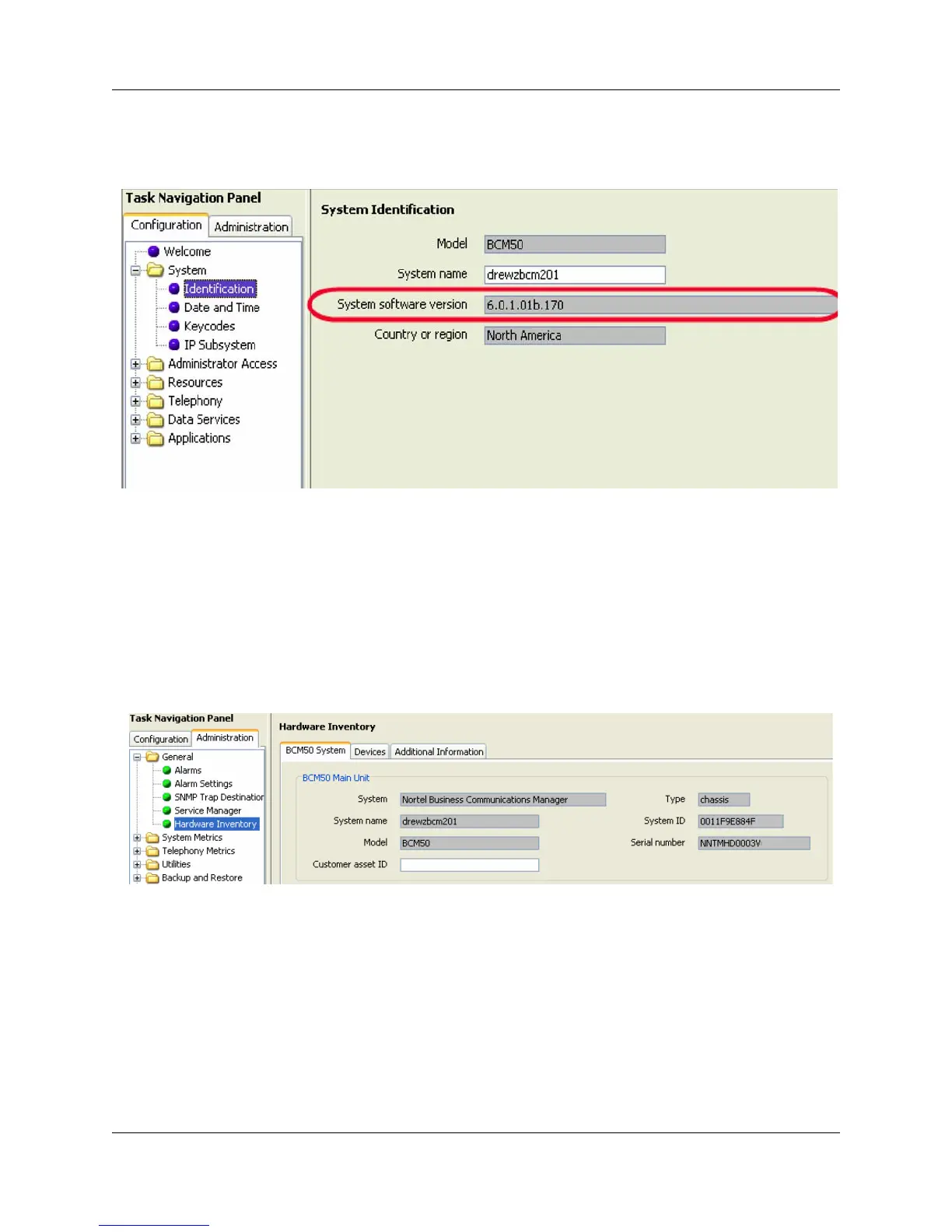
Verify the current software revision
1 Select Configuration > Sytem > Identification.
How do find the BCM50 System ID and Serial Number?
Use the following procedure to view the system ID and serial number.
Viewing the system ID and serial number
1 Select Administration > General > Hardware Inventory.
2 Select the BCM50 System tab.




 To Next Page