16
5. Clean the FEP film and the LCD screen with a cloth.
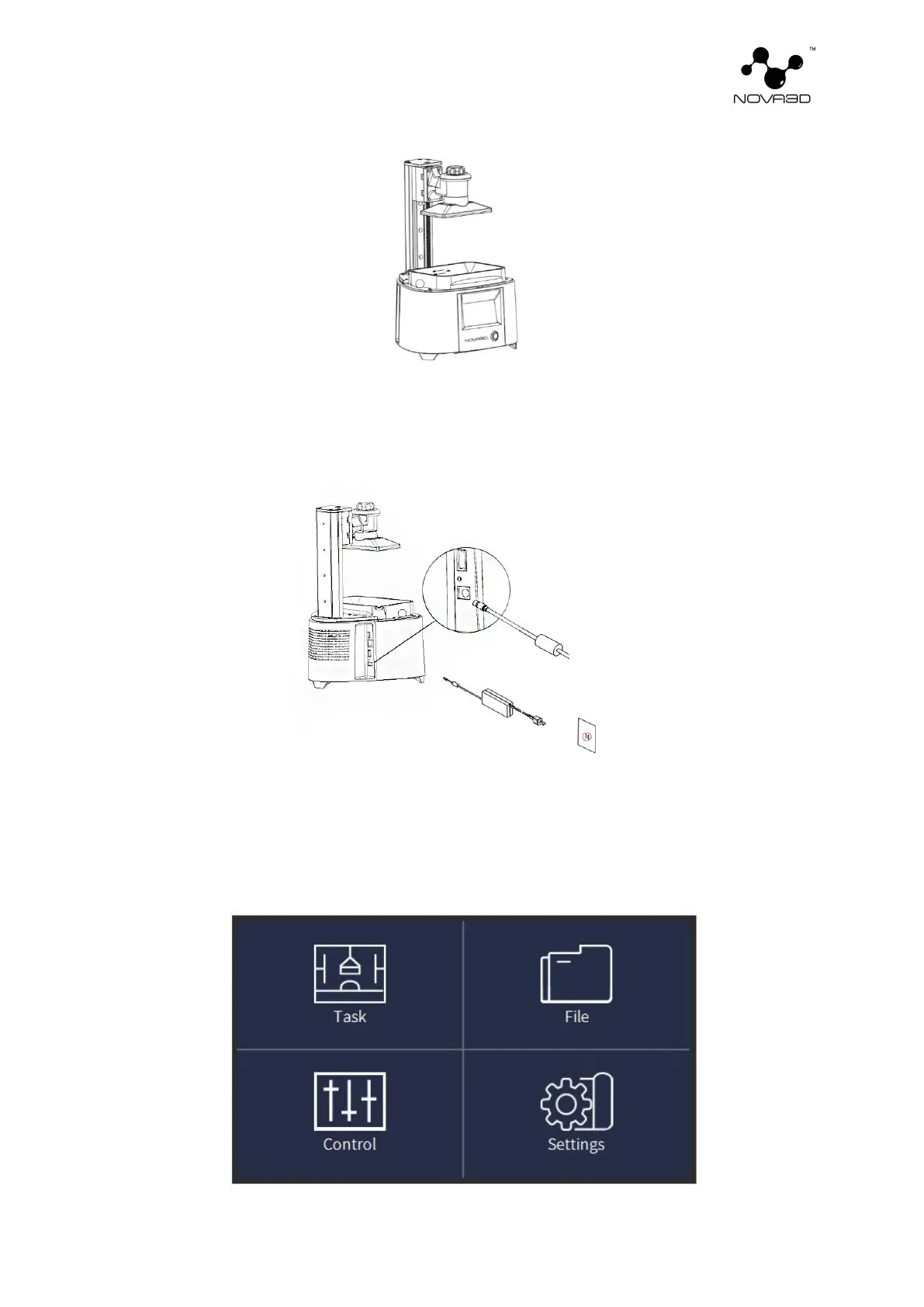
6. Plug in the power adapter and press the front panel power to turn on the printer. Connect it
to a network via Wi-Fi or Ethernet. Go to Settings and configure the connection using options
from the menu.
7. Select the "Network Settings" menu in "Settings" of the machine control menu, and set WiFi
connection according to the network settings; Make sure the printer is properly connected to the
network. After setting up (a string of address information is displayed at the current IP address),
the device is ready to print.


 To Next Page