深圳市诺瓦机器人技术有限公司
Shenzhen Nova Robot Technology Co., Ltd.
31
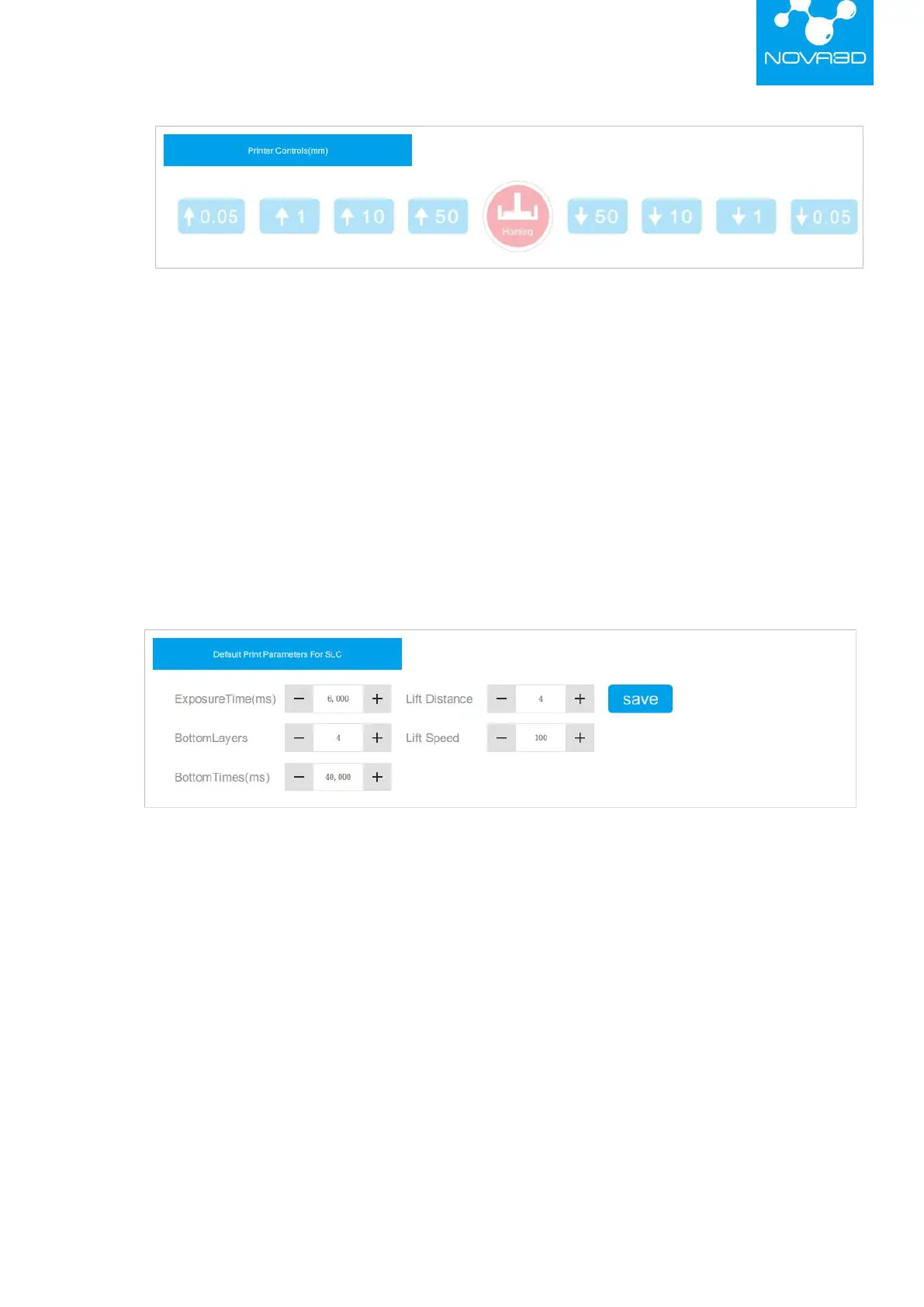
(2)Default Print Parameters for SLC: When printing with a .cws file, the parameters are
generally defaulted and do not need to be changed. If you need to adjust the parameters, please
contact Nova3D after-sales engineers for technical support.
Exposure Time (ms): set the exposure time of each layer
Bottom Layers: set the number of bottom layers
Bottom Time (ms): set the exposure time of bottom layers
Lift Distance (cm): control the lift distance of the platform after a layer is printed
Lift Speed (mm/min): control the lift speed of the platform
1.2.4
.
Setting
Users can read printer information including: WiFi network configuration, wired ethernet
IP, hardware information, upgrades, etc.


 To Next Page