Controller MCTRL660 User's Manual
www.novastar.tech 13
Mode2: User-defined resolution
Rotate the knob to set user-defined width (gradually increase in even number), height and refresh rate,
select “Application” and then press the knob for confirmation. The user-defined resolution cannot work
if it is not applied.
7.2 Step 2 Screen Setting
1) Power on the screen. If the cabinet is in normal display, enter into step 2). If the cabinet is in
abnormal display, load the cabinet file first and fix it to the receiving card. See detailed operation
in 7.4 Advanced Setting
.
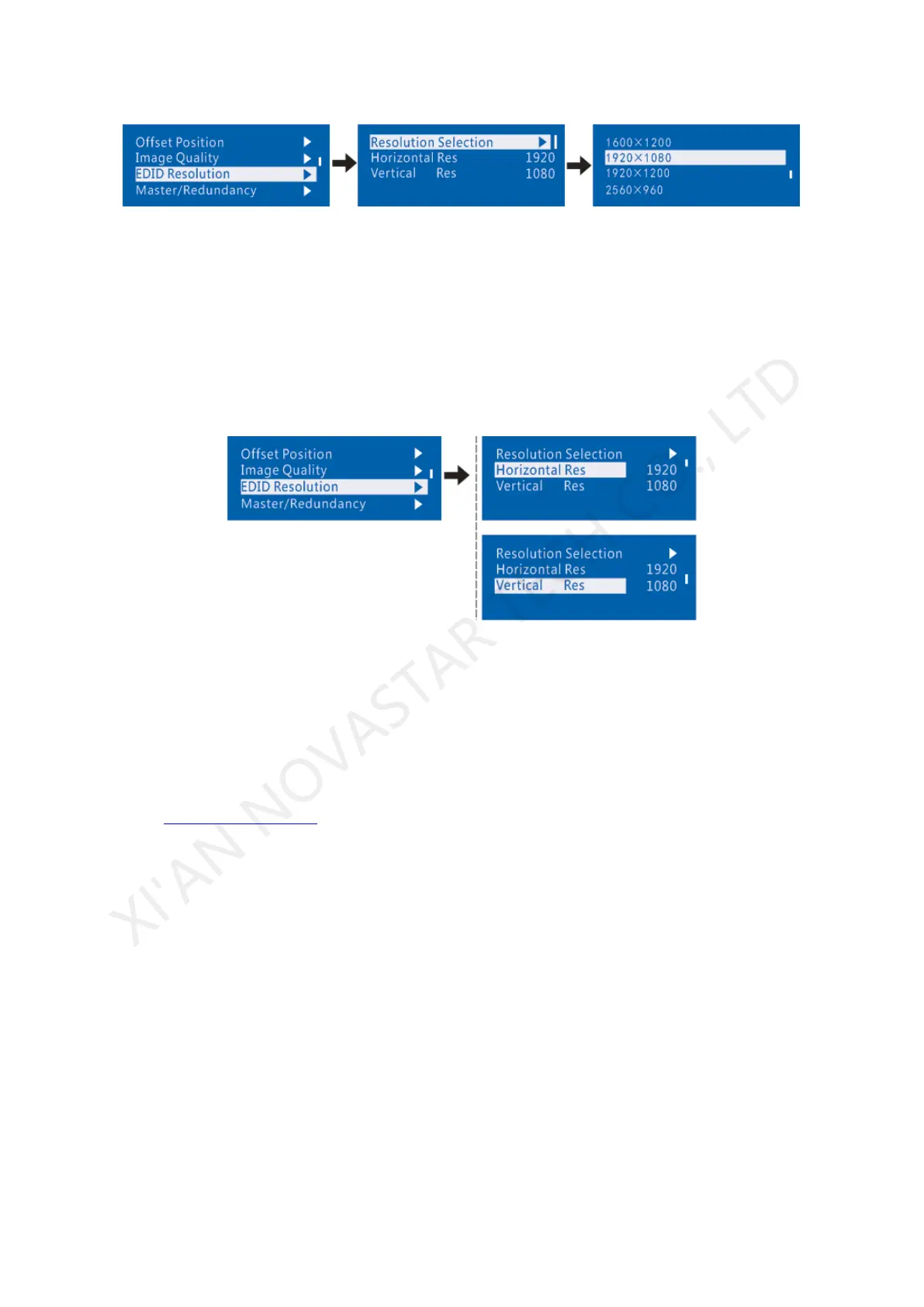
2) Return to “Screen Setting" submenu. Rotate the knob to switch to submenus of other options
respectively to perform configurations, as shown in the following figures:
XI'AN NOVASTAR TECH CO., LTD



 To Next Page