MX30 LED Display Controller User Manual
4.2 Main Menu
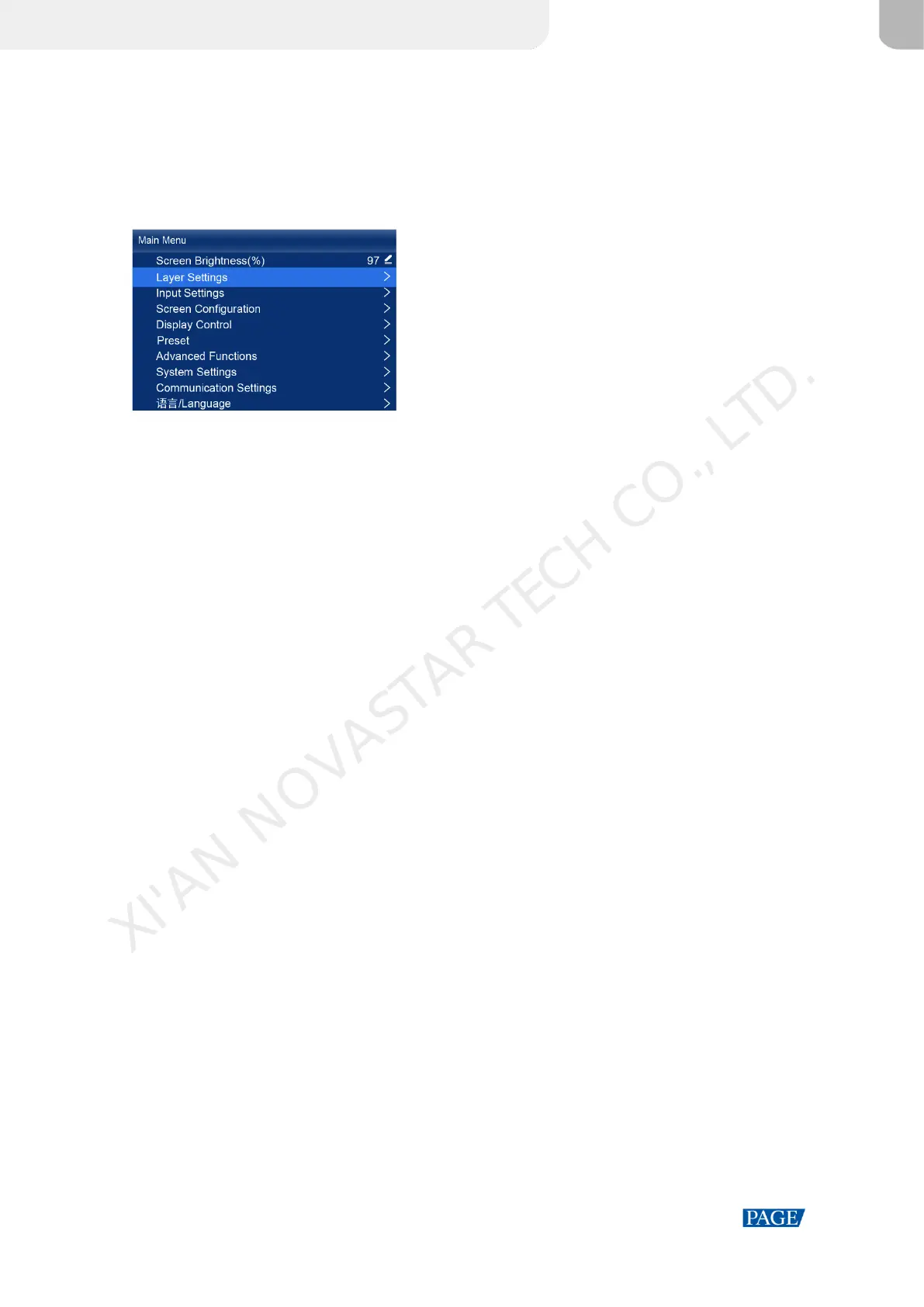
On the home screen, press the knob to enter the main menu screen. When the device working mode is All-In-One
Controller, the main menu is shown in Figure 4-2. When the device working mode is Send-Only Controller, the Layer
Settings menu is not displayed.
Figure 4-2 Main menu
XI'AN NOVASTAR TECH CO., LTD.



 To Next Page