MX30 LED Display Controller User Manual
8 Basic System Settings
8.1 Set Language
Change the system language of the device.
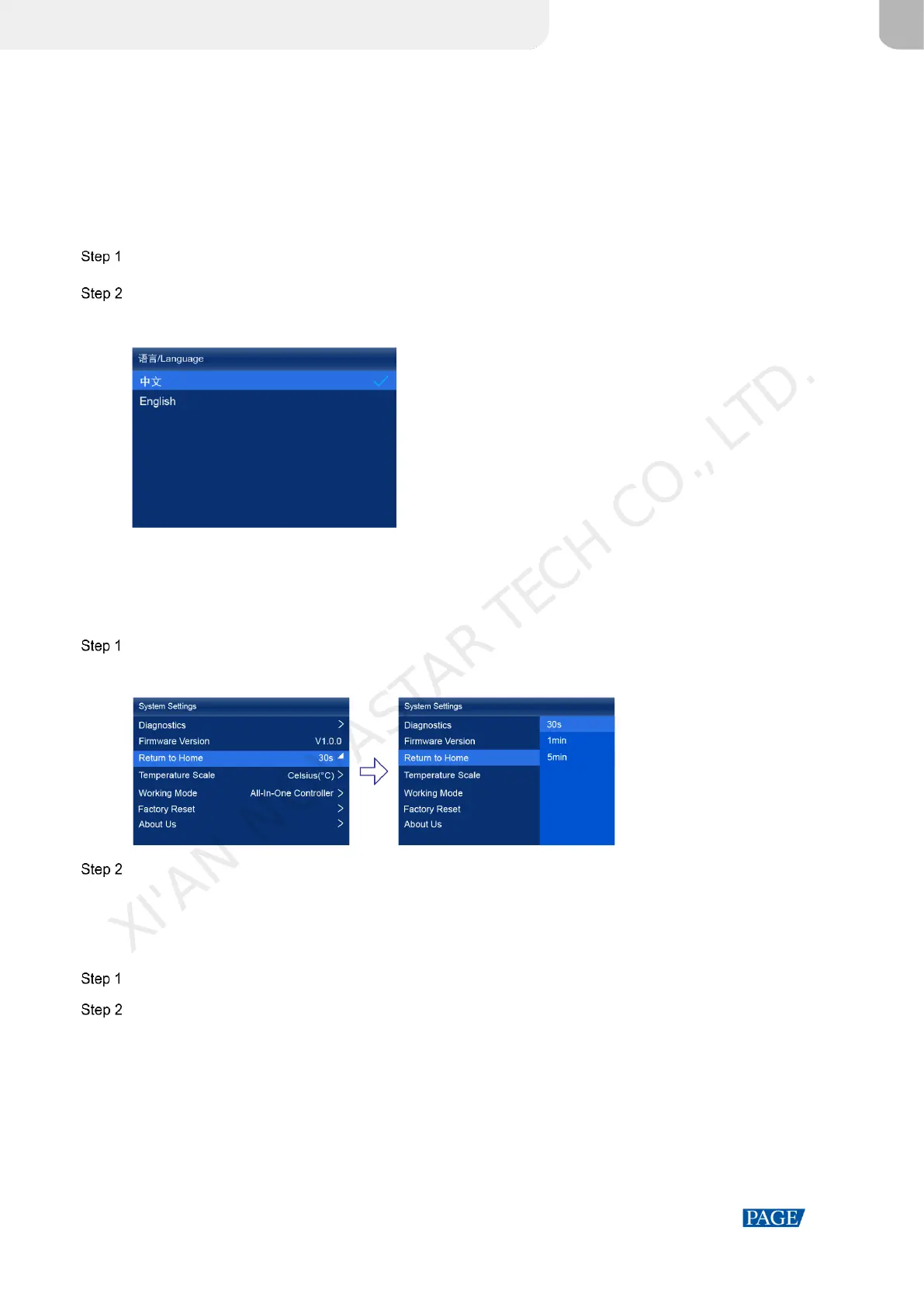
On the main menu screen, select 语言/Language.
Choose English or 中文 as required.
Figure 8-1 Language
8.2 Set Session Timeout
Specify a certain amount of time for session timeout after which the LCD will return to the home screen from another
screen automatically if no action is performed during the specified time.
On the main menu screen, choose System Settings > Return to Home.
Figure 8-2 Session timeout value
Select 30s, 1min or 5min from the drop-down options as required.
8.3 Set Temperature Scale
Change the system temperature scale of the device.
On the main menu screen, choose System Settings > Temperature Scale.
Select Celsius(°C) or Fahrenheit(°F) as needed.
XI'AN NOVASTAR TECH CO., LTD.



 To Next Page