User Manual of 3D Video Controller
www.novastar-led.cn 14
8.3 Step 3: Brightness
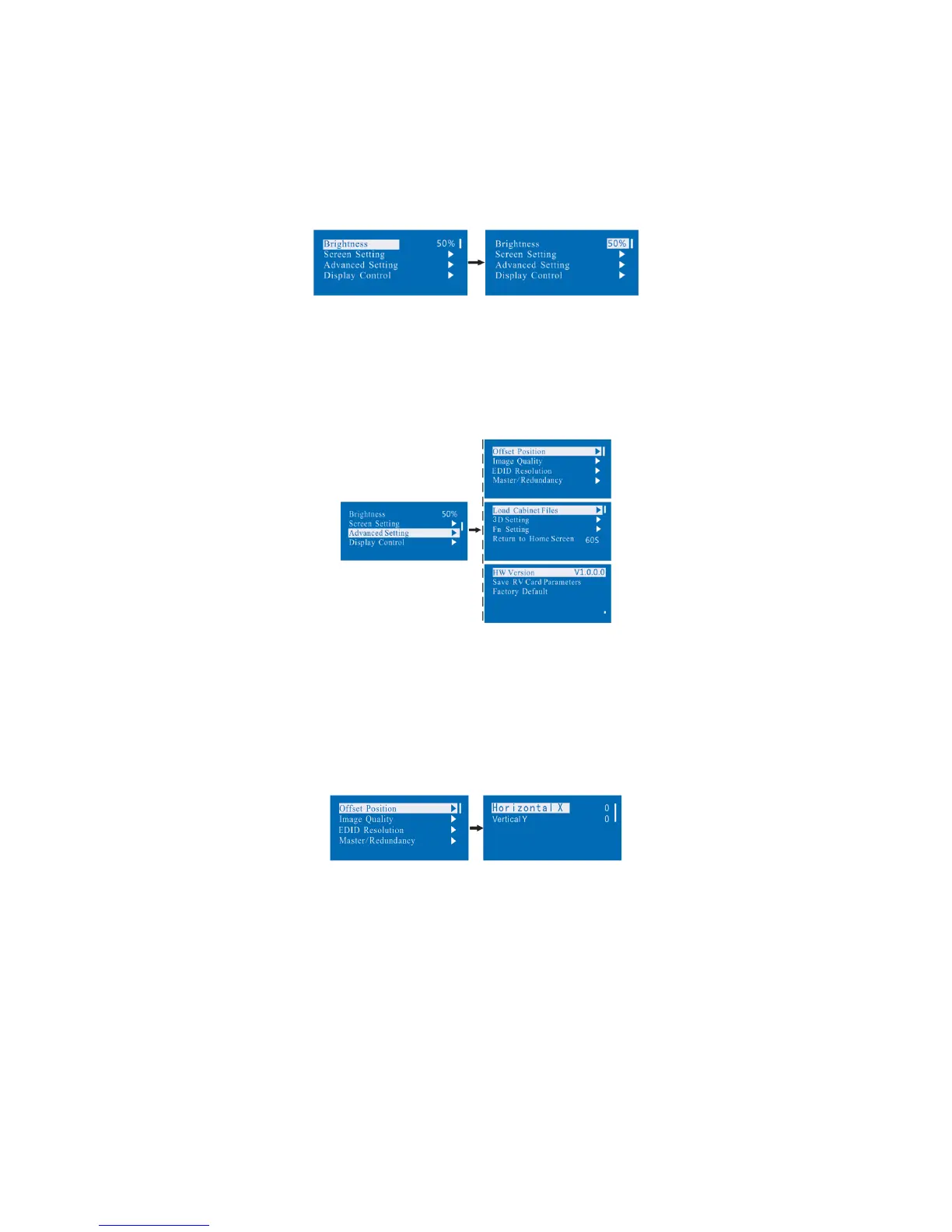
Return to the main menu interface. Press the Knob to select the corresponding value of Brightness. You can rotate
the Knob to adjust the value at this time.
8.4 Advanced setting
Several setting options of main functions are included in advanced setting, as shown in the figure below, Operation
of each function will be detailed for users in the following text.
8.4.1 Offset Position
Adjust the starting point coordinate. Here the upper limit of offset is regulated, that is, the total of offset and screen
size cannot exceed the output resolution of video card.
8.4.2 Image Quality
Set Gamma, color temperature, red brightness, green brightness, blue brightness value of image as required.
Save these parameters to receiving card by applying Save RV Card Parameters after proper adjustment.



 To Next Page