User Manual of 3D Video Controller
www.novastar-led.cn 8
⁓Knob: press knob for entry; rotate knob for selection or adjustment;
⁔Return key: exit current operation or option;
⁕Video Source switch; the key is bright after press when the video source has signal; the key flashes when
the input of video source has no signal.
⁖3D/2D switch: if the key is bright, it indicates that 3D model has been enabled; otherwise, 2 D model has
been enabled;
⁘~⁙USB control interface: the square mouth (B-type USB main interface) is used for cascade input; the flat
mouth (A-type USB main interface) is used for cascade output.
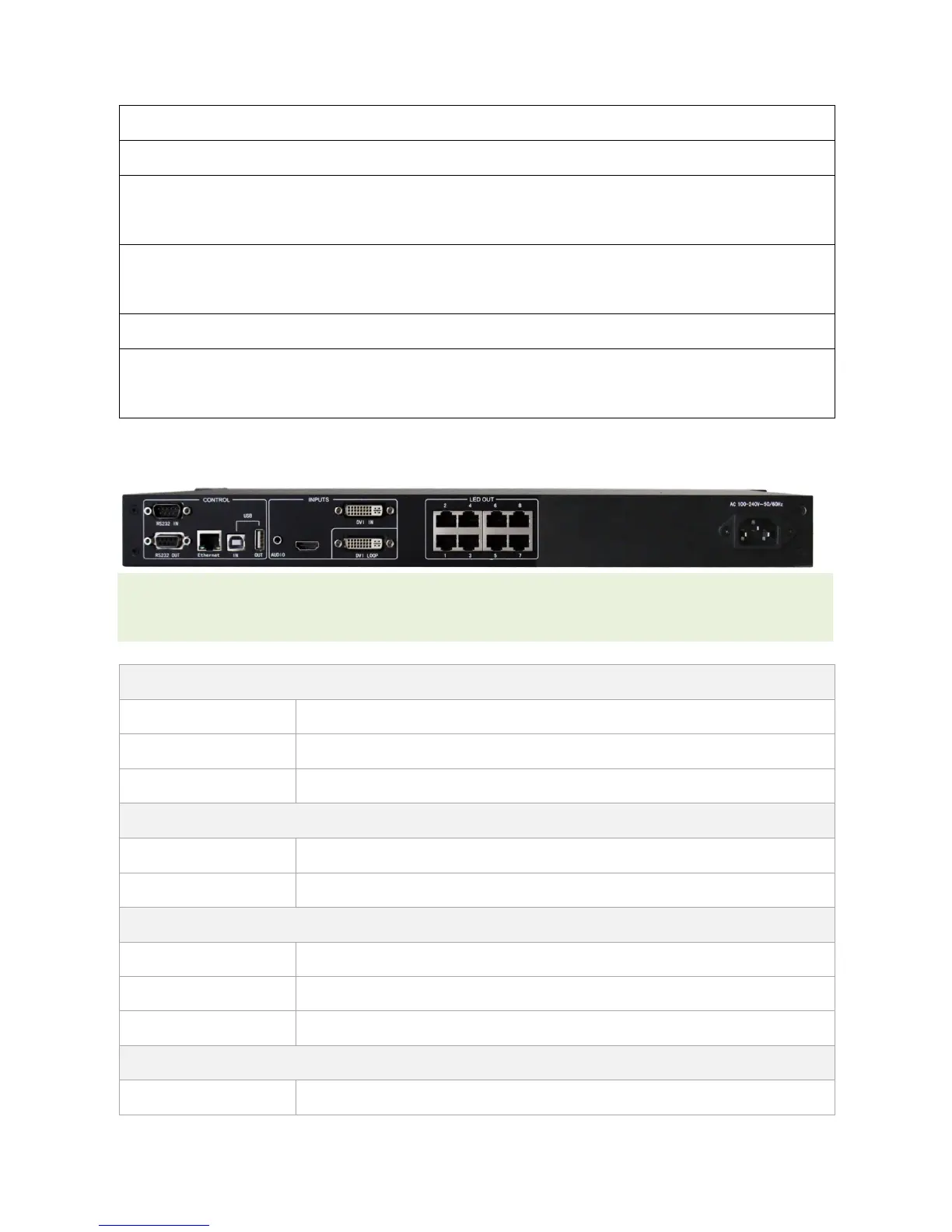
4.2 Rear panel
Tips: In order to improve the user’s experience, the layout of interface may be adjusted a little, The picture is only
for reference.
Serial Control (Cascade IN, OUT)
Network Control (Communication with PC, or Access Network)
USB Control (Cascade IN, OUT)



 To Next Page