User Manual of 3D Video Controller
www.novastar-led.cn 17
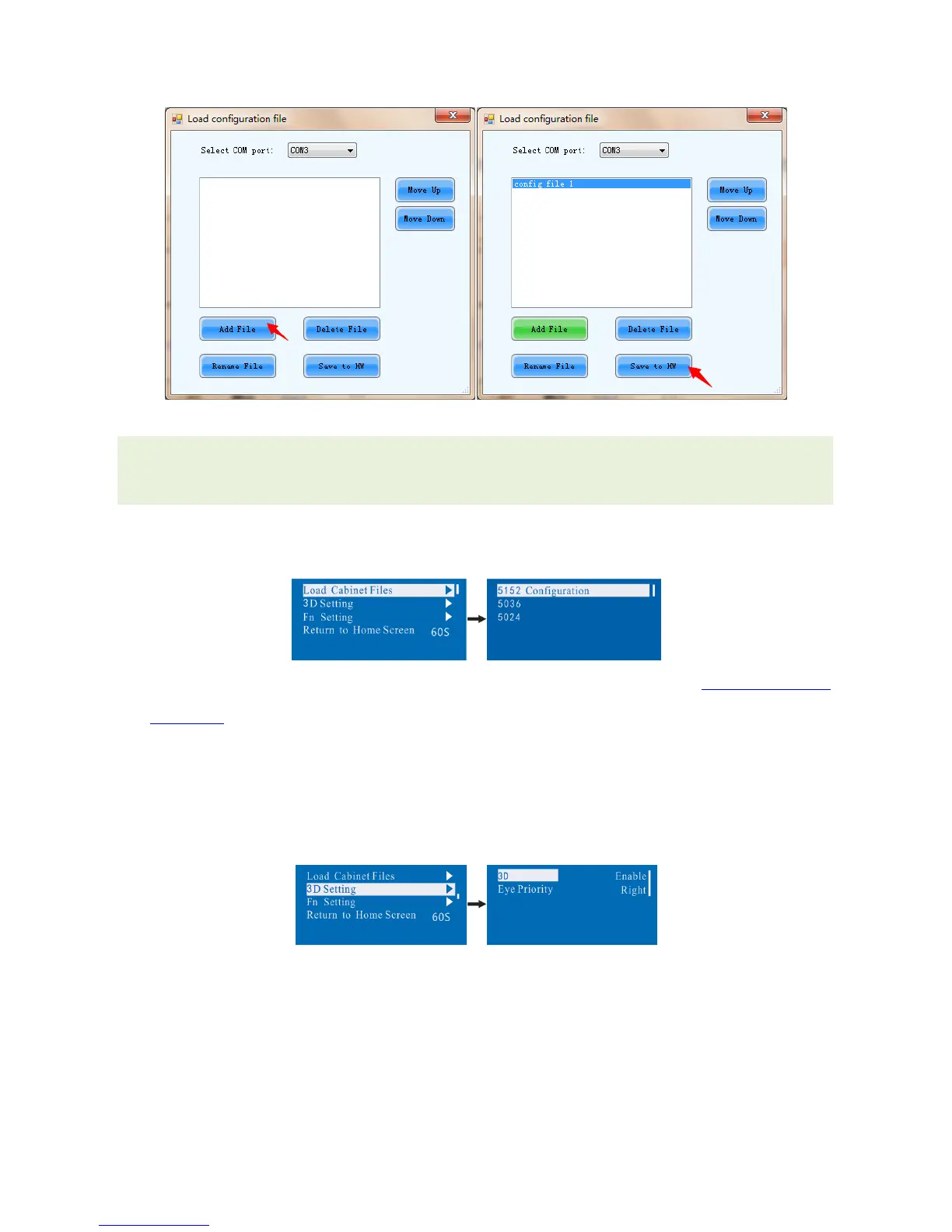
Tips: NovaLCT-Mars automatically reads the existing configuration files in the controller. The NovaLCT-Mars can
perform operations such as modification of file name, adjustment order of file and delete these files.
3) Load the configuration file of cabinet
4) Save the configuration file of cabinet into receiving card. See detailed operation in
8.4.9 Save RV Card
Parameters.
8.4.5 3D Setting
The menu includes 3D mode on/off and 3D left/right eye setting. 3D video source is disabled when the mode is
switched to 2D video source. The setting status will be displayed in the home screen of LCD.
8.4.6 Fn Setting
The functions of custom button include Black Out, Freeze and Test Pattren. Press Fn key to directly conduct
function switch.



 To Next Page