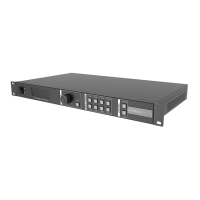
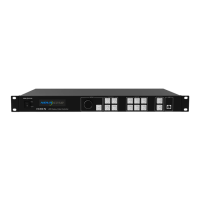
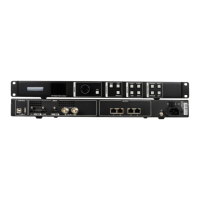
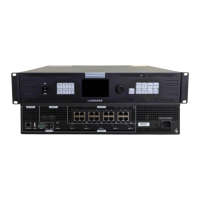
VX16s All-in-One Controller
User Manual
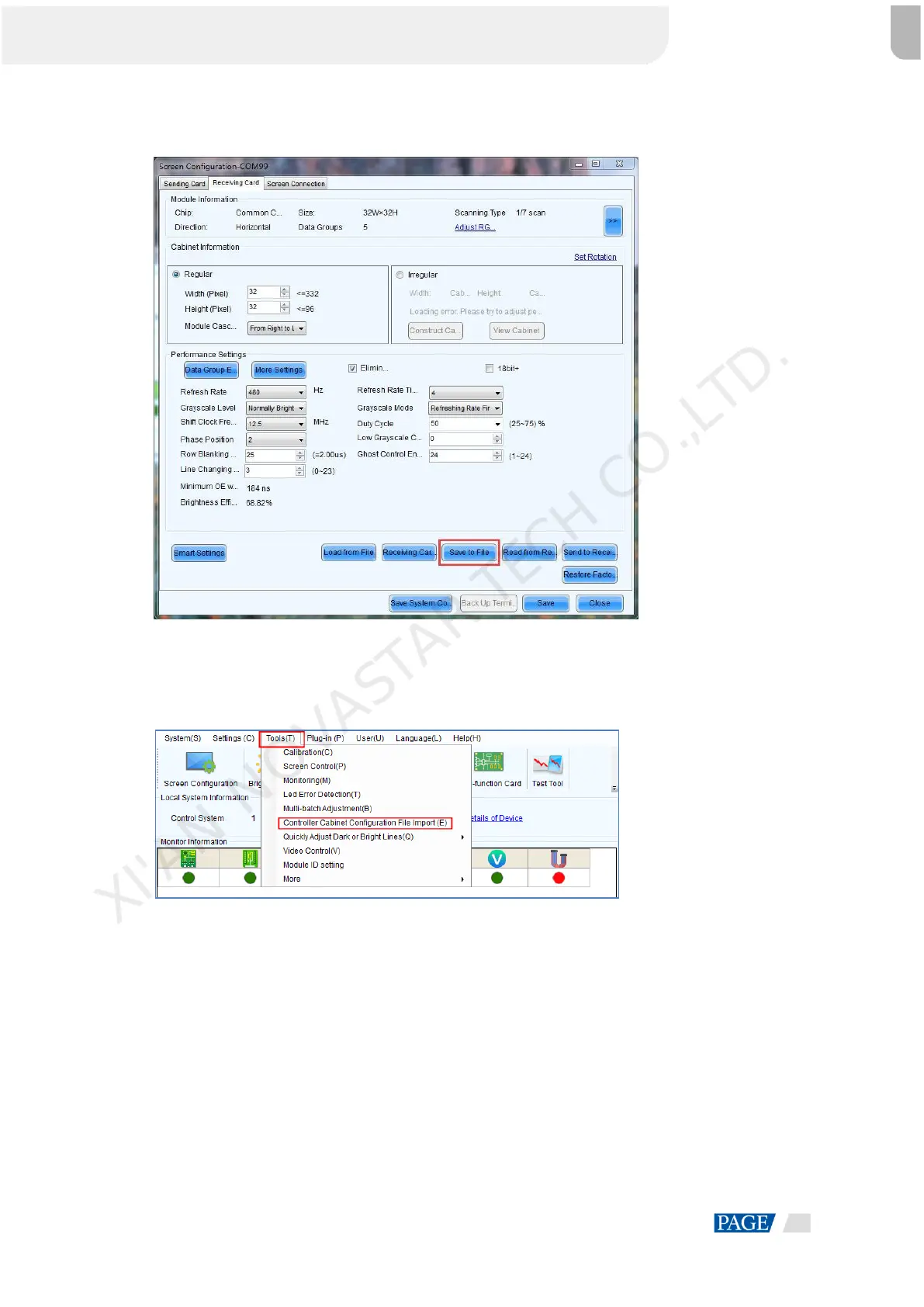
Figure 5-3 Saving receiving card configuration files
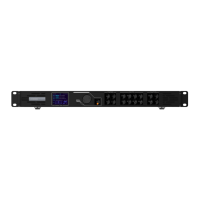
Step 2 Choose Tools > Controller Cabinet Configuration File Import to enter the controller cabinet configuration
file importing page.
Figure 5-4 Importing controller cabinet configuration files
Step 3 Click Add Configuration File to select the target file (*.rcfgx/*.rcfg) from your PC, and then click Open.
Step 4 Click Save the Change to HW to send the configuration files to the VX16s.
XI'AN NOVASTAR TECH CO.,LTD.


 To Next Page