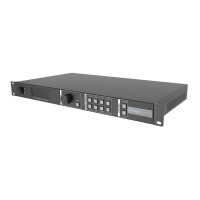
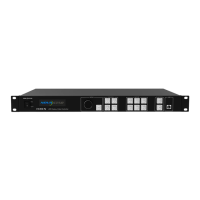
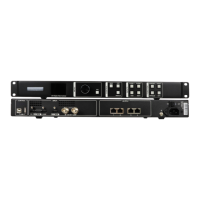
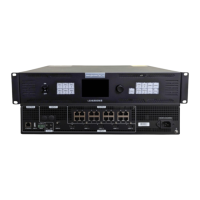
VX16s All-in-One Controller
User Manual
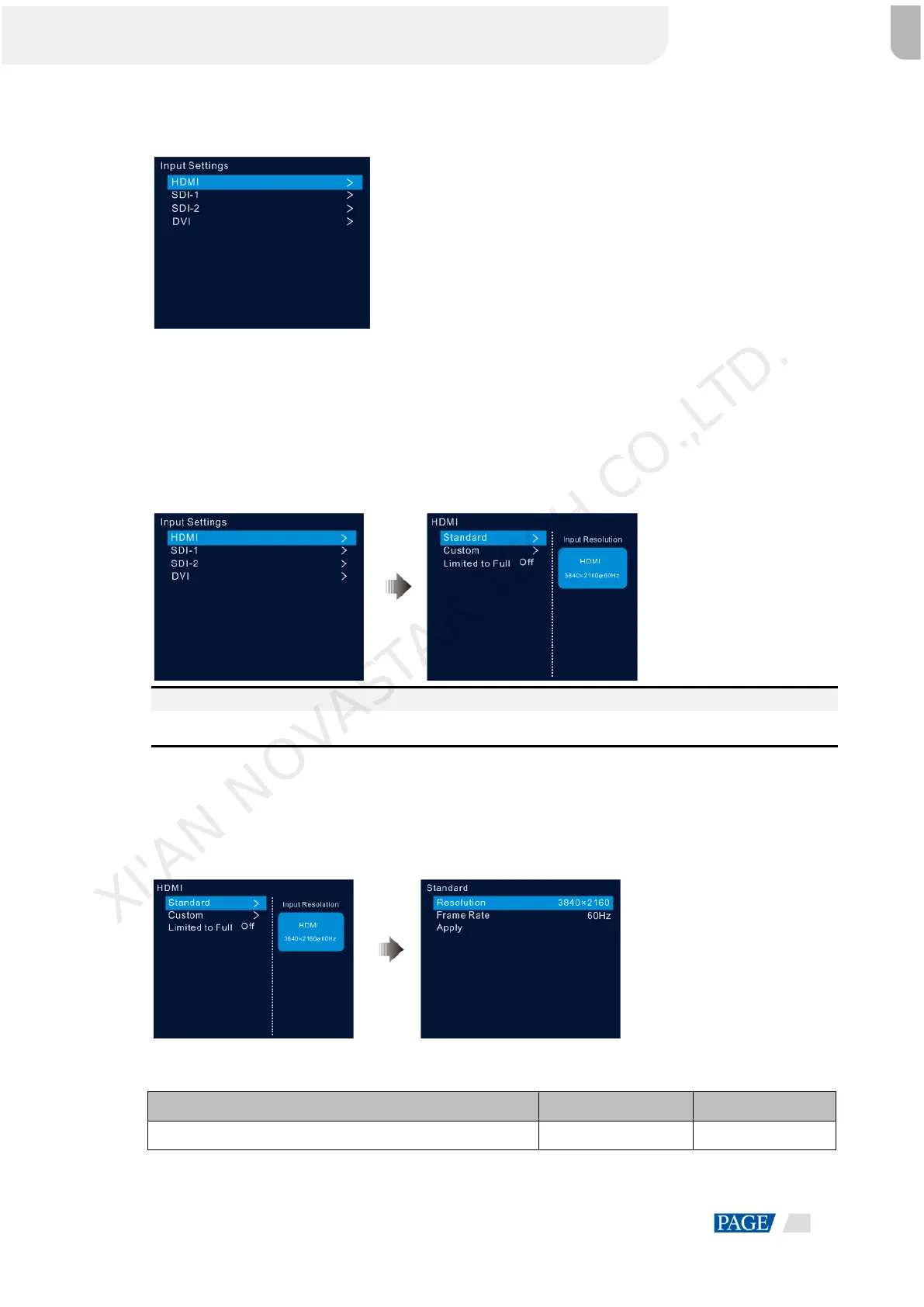
Figure 5-12 Input source selection
5.4.2 Input Resolution Settings
The following two methods are provided to set the input resolution:
Standard resolution
Custom resolution
Figure 5-13 Choosing a resolution setting method
Note:
The SDI input source does not support resolution settings.
Standard Resolution
Choose a standard resolution and frame rate. Then rotate the knob to select Apply and press the knob to
apply your settings.
Figure 5-14 Standard resolution
Table 5-2 Standard resolutions
1024×768@(48/50/59.94/60/75/85)Hz
XI'AN NOVASTAR TECH CO.,LTD.


 To Next Page