VX16s All-in-One Controller
User Manual
When LAN Preferred is selected, the VX16s communicates with the PC via Ethernet port by preference.
5.10.2 Network Settings
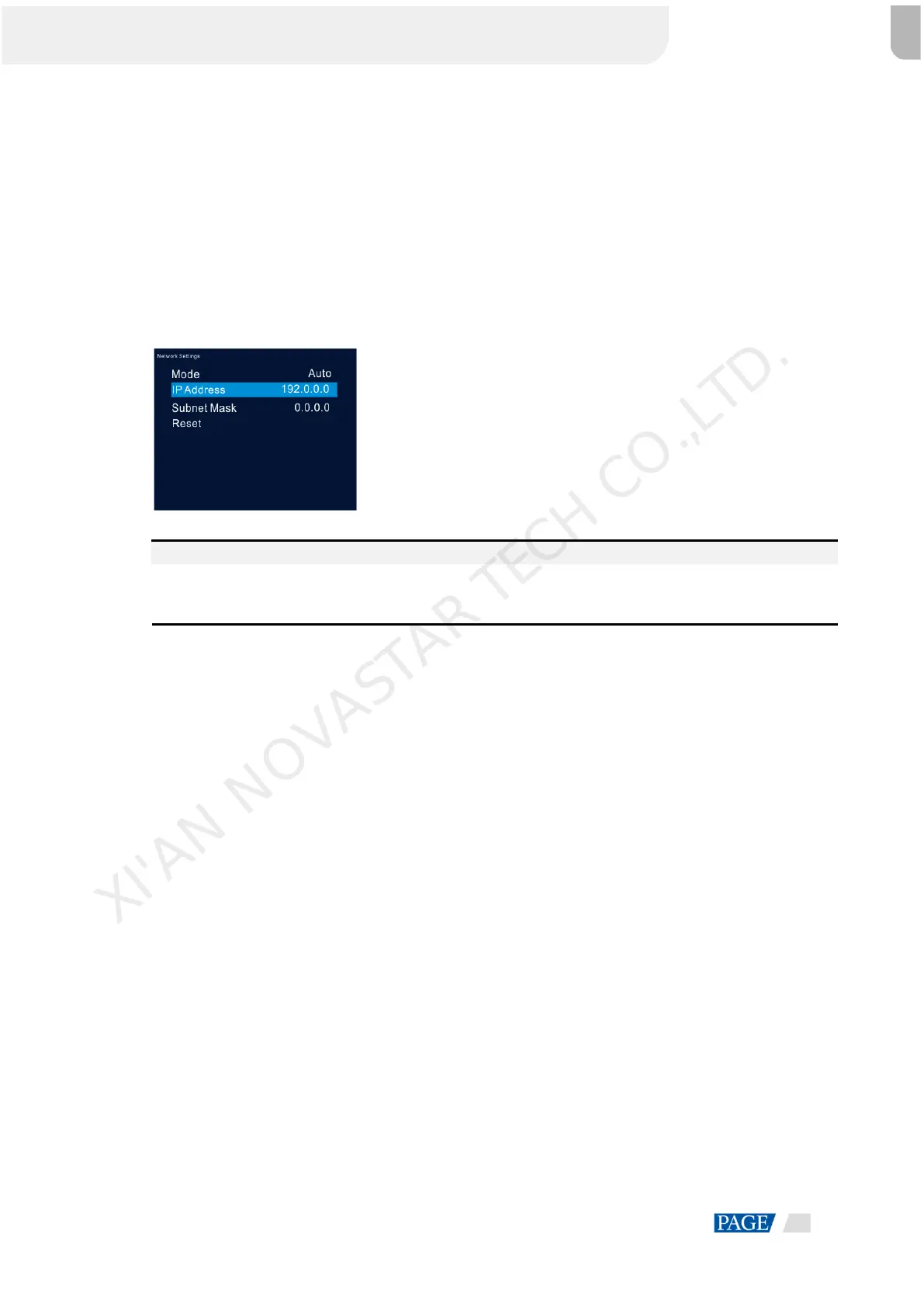
The methods for network settings include Manual and Auto.
Manual: Set the device IP address and subnet mask manually.
Auto: The device reads the network parameters automatically.
Reset: Reset the parameters to defaults.
Figure 5-21 Network settings
Notes:
When the VX16s communicates with the control PC, they must be on the same LAN.
The IP addresses of the VX16s and the control PC cannot be the same.
Language 5.11
The VX16s is available for Chinese and English. You can choose your desired language.
XI'AN NOVASTAR TECH CO.,LTD.



 To Next Page