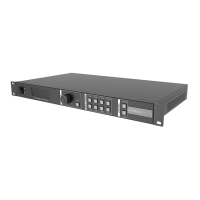
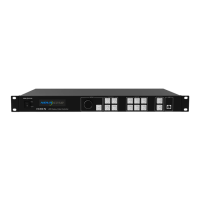
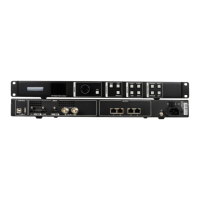
VX16s All-in-One Controller
User Manual
Layer Settings 5.3
Step 1 Press the knob to enter the main menu screen.
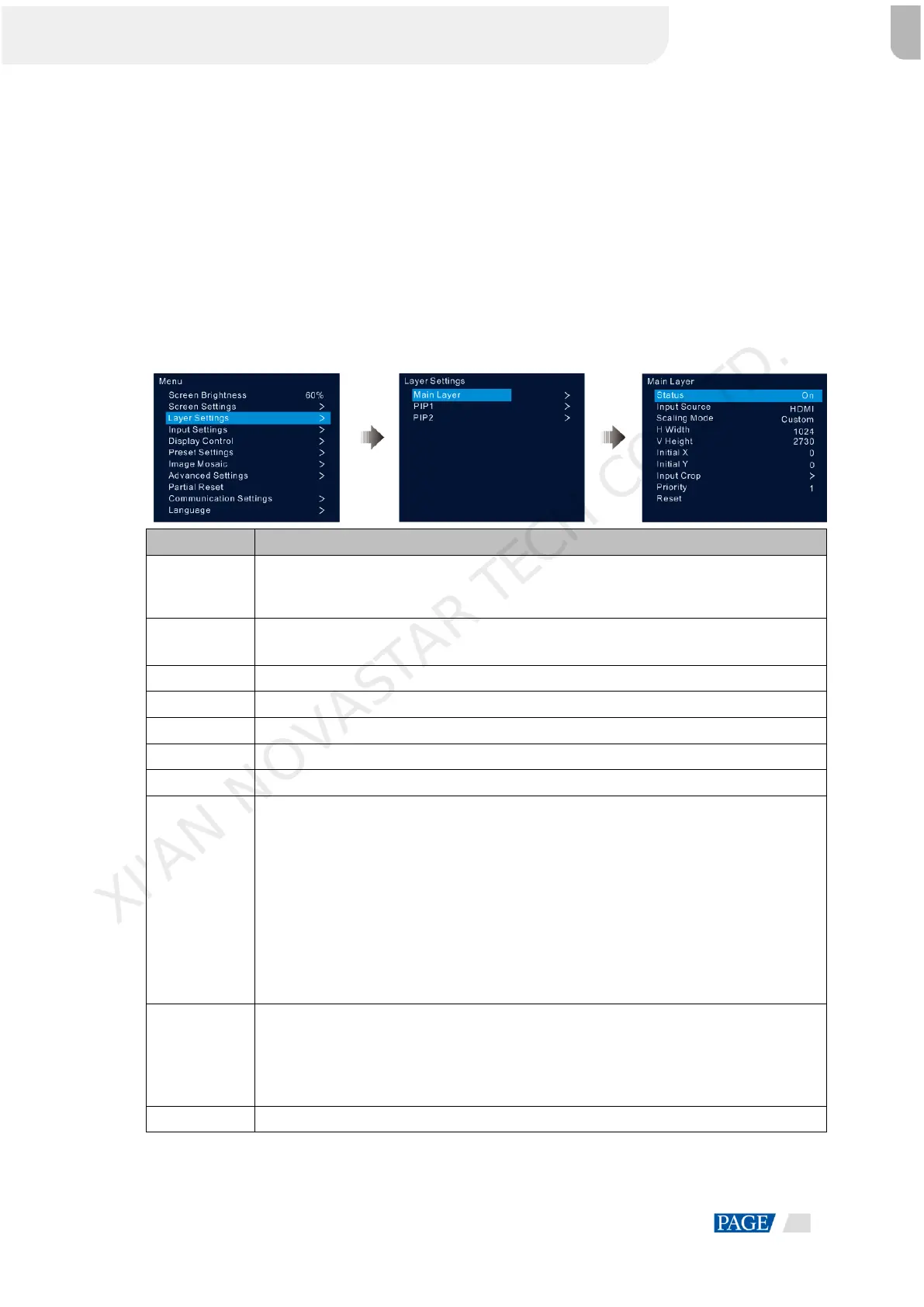
Step 2 Rotate the knob to select Layer Settings and press the knob to enter the layer settings screen where you can
set the following.
Main layer
PIP 1 and PIP 2
5.3.1 Main Layer and PIP
Figure 5-9 Layer settings
Open and close the current layer.
Note: Press the MAIN, PIP1 or PIP2 button in the CONTROL area on the front panel, and
the LCD screen will display the Layer Settings menu.
Select an input source for the current layer.
Note: The HDMI source and DVI Mosaic source can be used only by the main layer.
Three options are provided: Full Screen, Pixel to Pixel and Custom.
The horizontal width of the layer, with a maximum of 32,768
The vertical height of the layer, with a maximum of 32,768
The initial horizontal coordinate of the layer
The initial vertical coordinate of the layer
Display the cropped input source. The cropped part will fill the whole layer.
Status: Turn on or turn off the input crop function for the selected layer.
H Width: The horizontal width of the cropped part, ranging from 64 to the horizontal
width of the current input source
V Height: The vertical height of the cropped part, ranging from 64 to the vertical height
of the current input source
Initial X: The horizontal initial coordinate of the cropped part upon the current input
source
Initial Y: The vertical initial coordinate of the cropped part upon the current input source
Set the display order priority of the layer, including 1, 2 and 3.
1: Send the layer to the back.
2: Place the layer in the middle.
3: Bring to the layer to the front.
Reset all the layer parameters to default settings.
XI'AN NOVASTAR TECH CO.,LTD.


 To Next Page