VX6s All-in-One Controller
User Manual
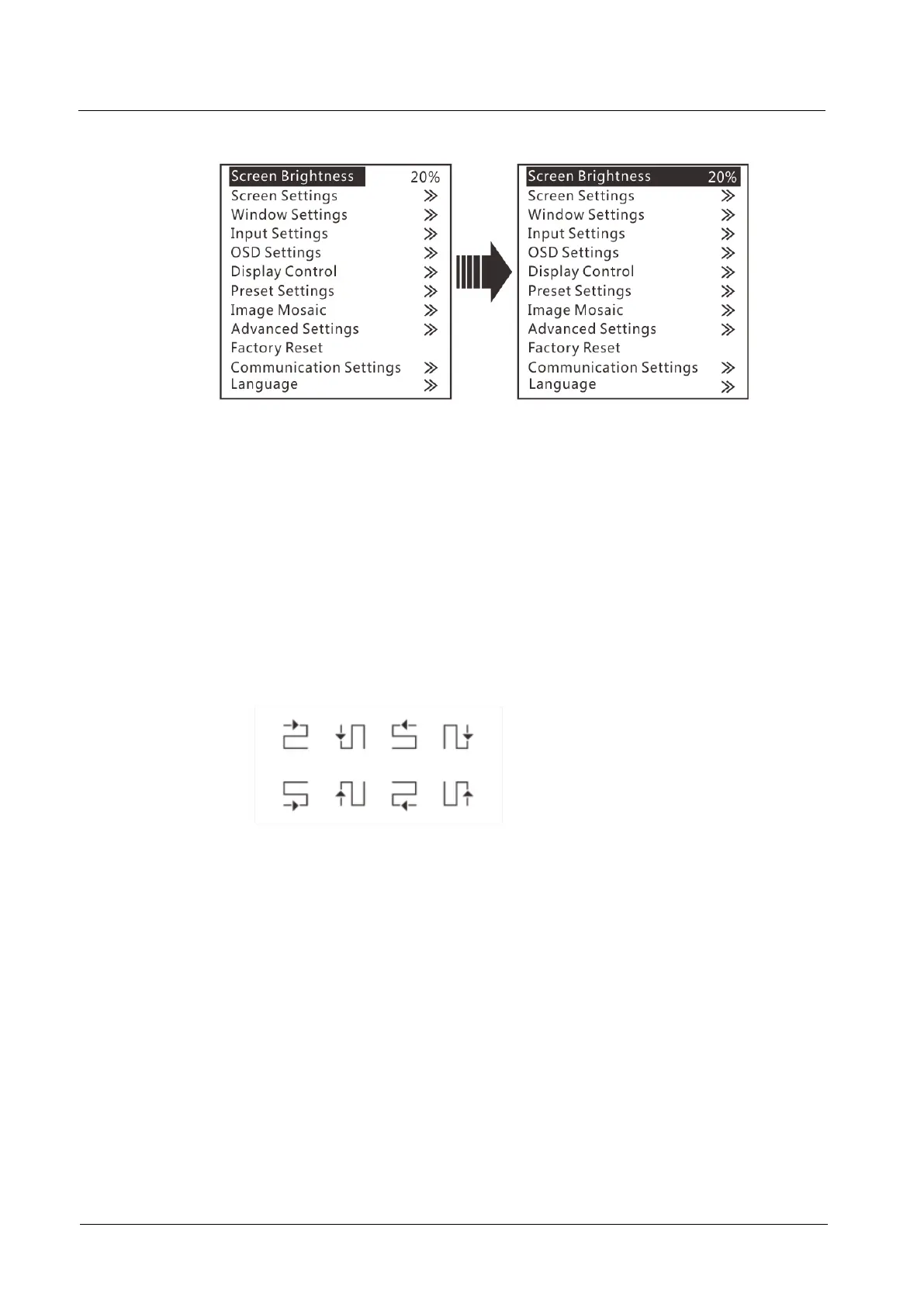
Figure 3-1 Screen brightness
3.3 Screen Settings
3.3.1 Quick Configuration
Prerequisites
The LED screen is a regular one, not an irregular one.
The cabinets of the LED screen are regular, and each cabinet has the same
resolution.
The cabinet connection (data flow) must be one of the following 8 patterns. The
physical connection of cabinets loaded by each Ethernet port must be along the
same direction.
During data flow settings, ensure that the Ethernet port 1 is at the beginning
position of the whole physical connection and the ports must be connected in
order.
Operating Procedure
Step 1 Power on the LED screen.
Step 2 On the menu page, choose Screen Settings > Quick Config to enter the Quick
Config page.
Step 3 Set Cabinet Row Qty and Cabinet Column Qty (number of cabinet rows and
columns) based on actual conditions of the LED screen.



 To Next Page