VX6s All-in-One Controller
User Manual
3.10 Advanced Settings
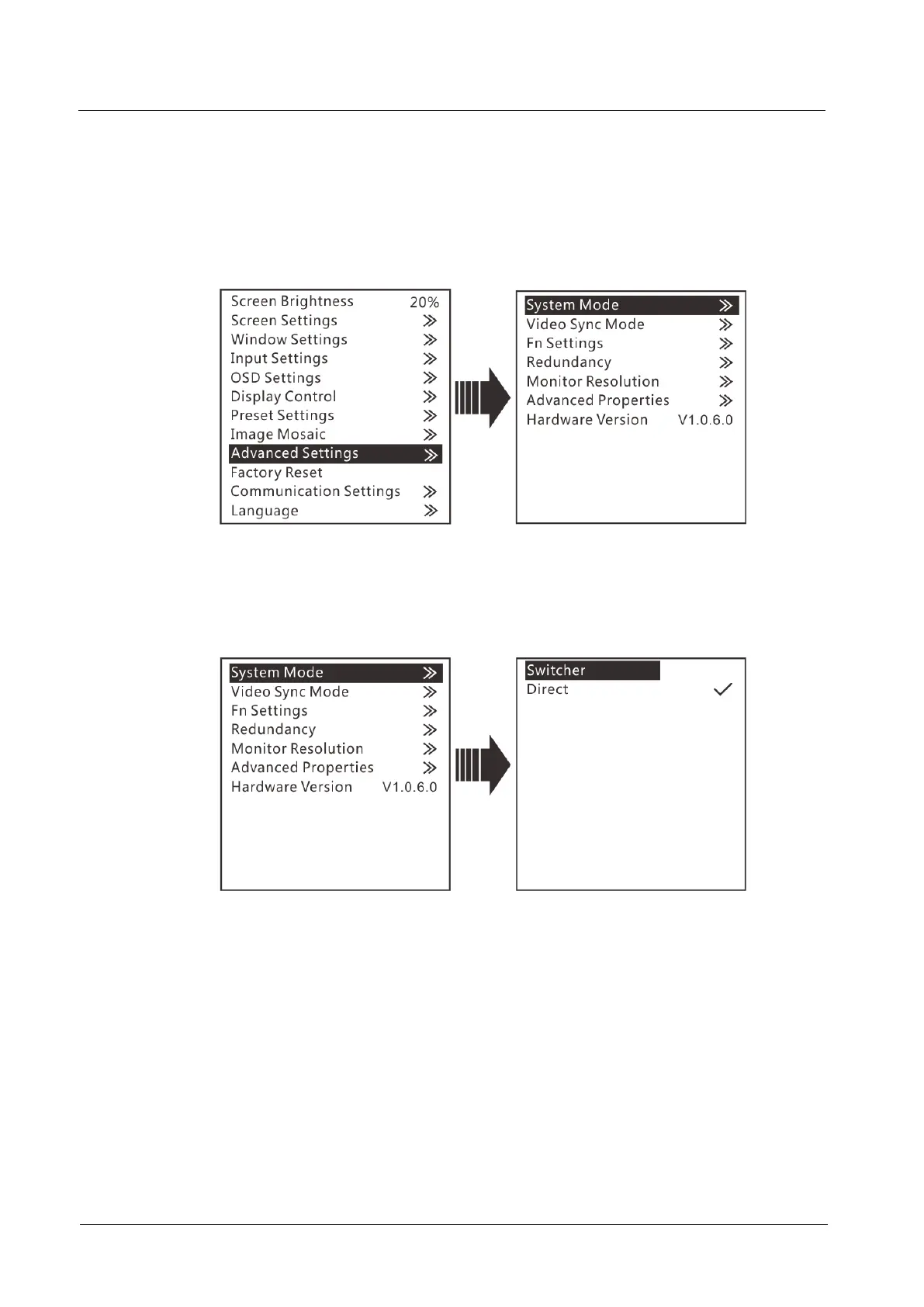
The advanced settings include system mode, video sync mode, Fn settings,
redundancy, monitor resolution, advanced properties, factory reset and hardware
version, as shown in the figure below.
Figure 3-22 Advanced settings
System Mode
You can set the system mode of VX6s here, including switcher and direct modes.
Figure 3-23 System mode
Switcher: Monitor the image being edited. The edited image is displayed on the
monitoring screen first, and then click TAKE to send the image to the LED
screen.
Direct: Monitor the image being displayed on the LED screen. The edited image
is displayed on both the monitoring screen and LED screen simultaneously.
Video Sync Mode
You can select a synchronization source for all the cascaded devices to realize the
synchronization between the output images and selected synchronization source.
Step 1 Rotate the knob to select Video Sync Mode and press the knob to enter the
submenu.



 To Next Page