VX6s All-in-One Controller
User Manual
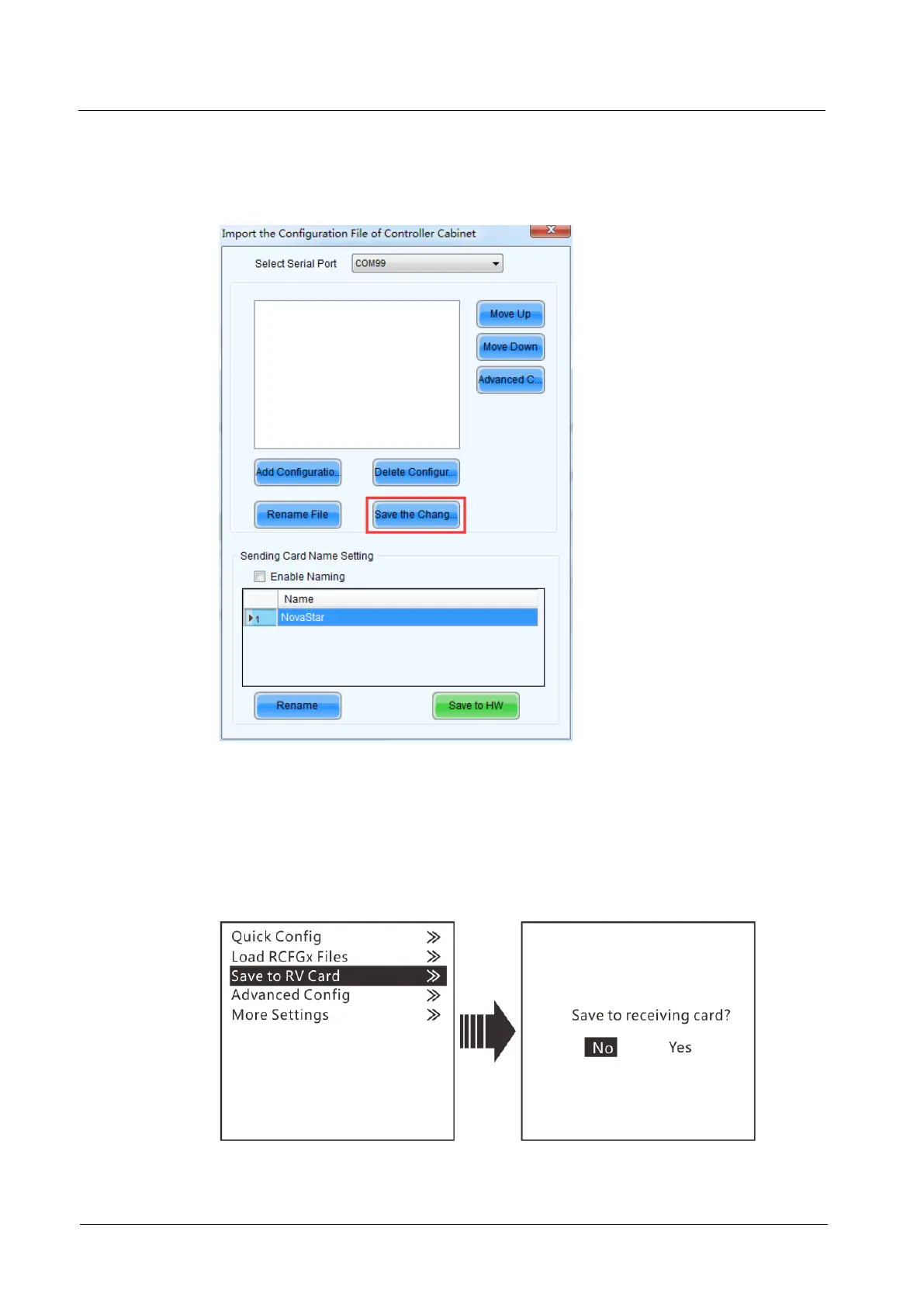
Step 3 Review the configuration file name and click Save the Change to HW to save the
configuration file to the VX6s.
Figure 3-6 Saving configuration file to VX6s
3.3.3 Saving to RV Card
After the cabinet configuration file is loaded or the receiving card color is changed, if
you save the configuration data to receiving card by using the Save to RV Card
function, the configuration data will not be lost even if power failure occurred.
Figure 3-7 Saving to hardware



 To Next Page