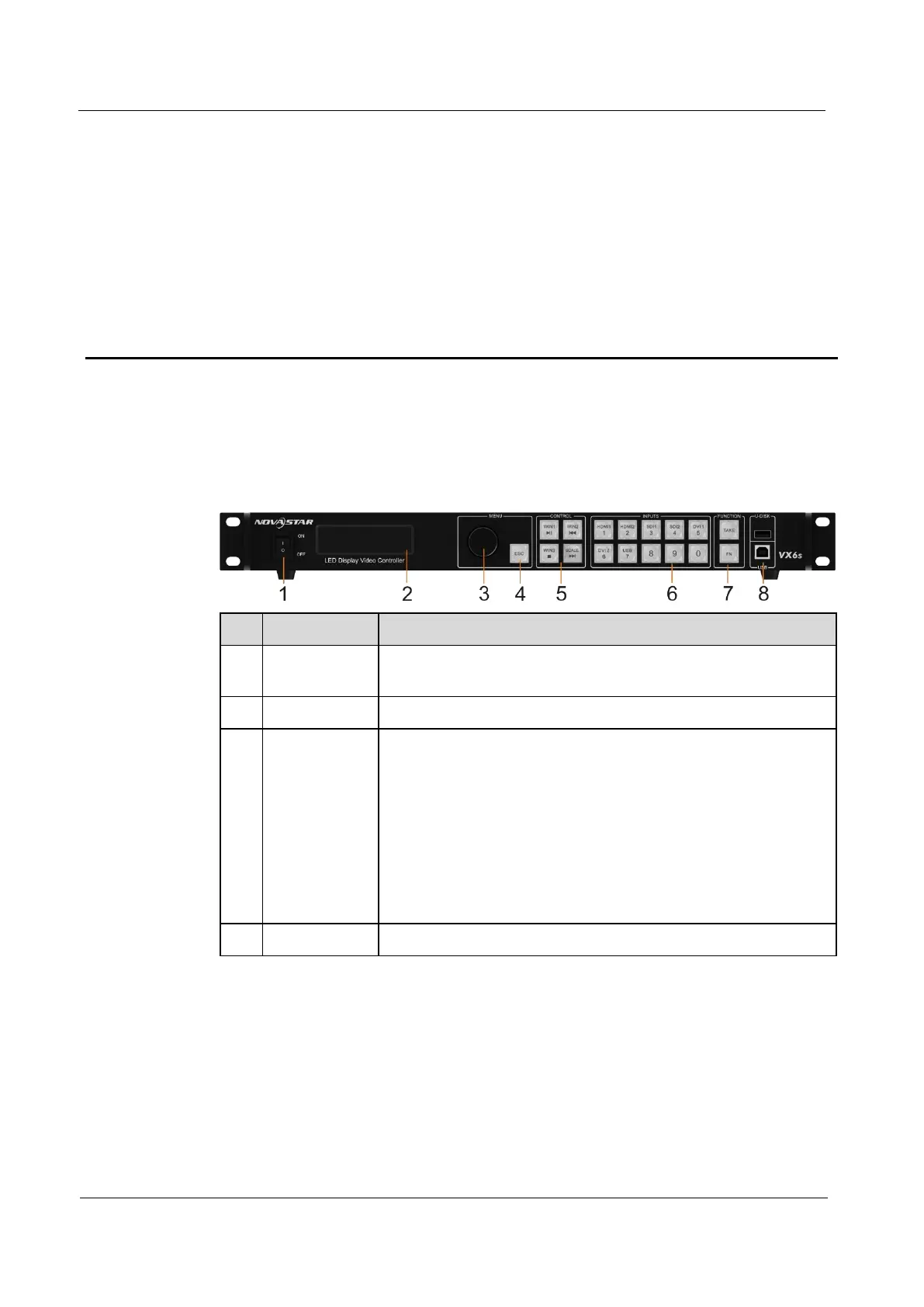
On the home screen, pressing the knob enters the
operation menu screen.
On the operation menu screen, rotating the knob selects a
menu item, and pressing the knob confirms the selection or
enters the submenu.
When a menu item with parameters is selected, you can
rotate the knob to adjust the parameters. Please note that
after adjustment, you need to press the knob again to
confirm the adjustment.



 To Next Page