VX6s All-in-One Controller
User Manual
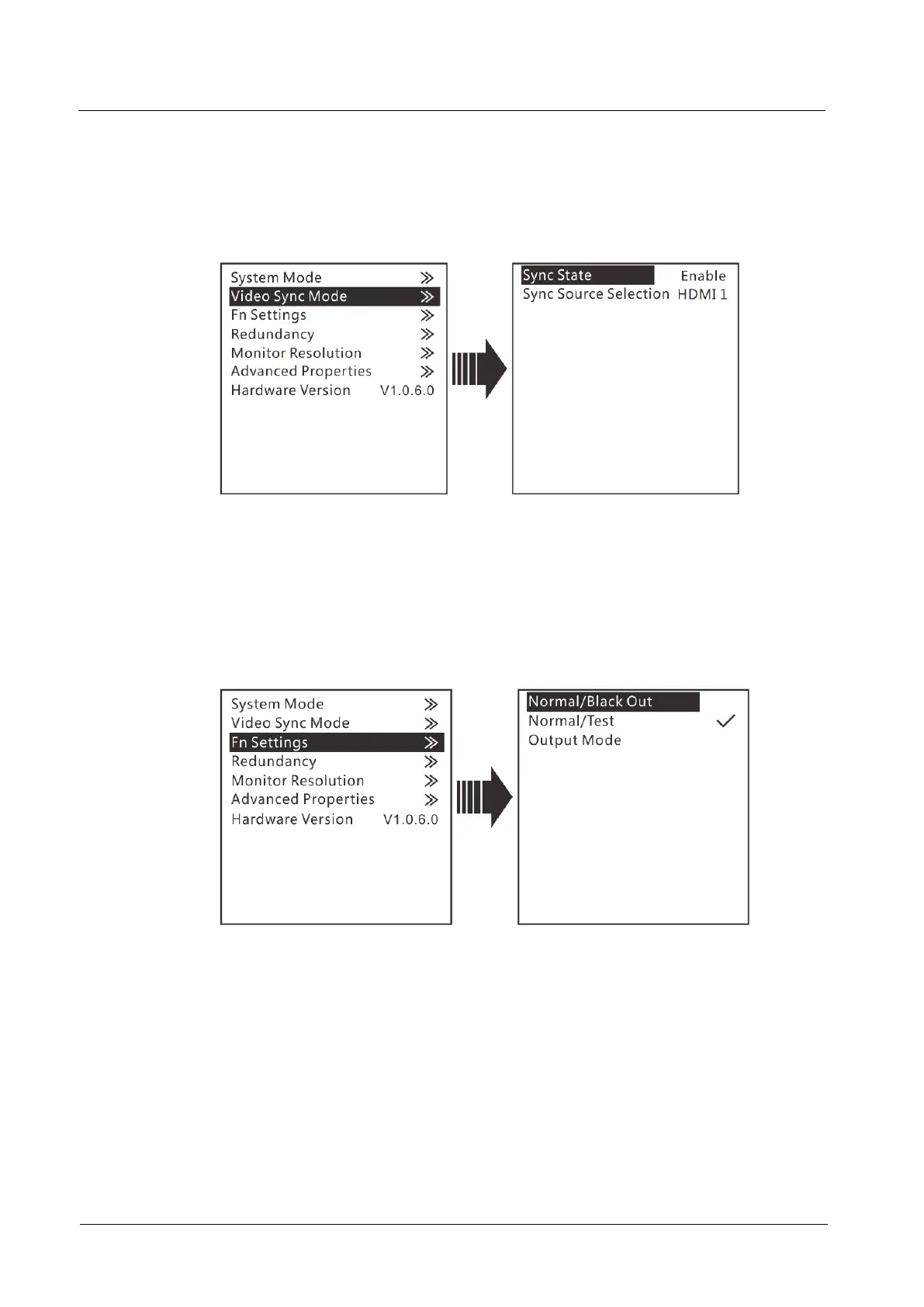
Step 2 Set the sync state and sync source, and then press the knob to confirm the settings.
Sync State: Enable or disable the sync mode. It is disabled by default.
Sync Source Selection: Select an input source as the sync source.
Figure 3-24 Video sync mode
Fn Settings
You can customize the function of the FN button on the front panel. Its function can
be set as black out, freeze, test pattern, output mode, and preset. After setting, when
you press the FN button, the corresponding function set to the button will directly be
enabled.
Figure 3-25 Fn settings
Redundancy
The VX6s supports redundancy settings. You can set current device as the primary or
backup device. If the primary device becomes abnormal, the backup device can take
over the work immediately. This can prevent black out of display.



 To Next Page