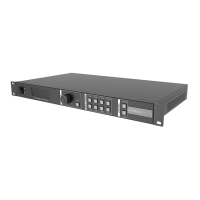
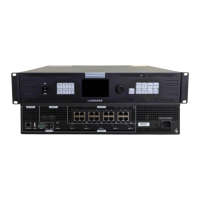
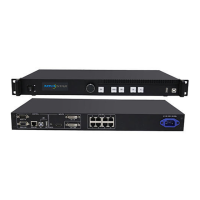
VX6s All-in-One Controller
User Manual
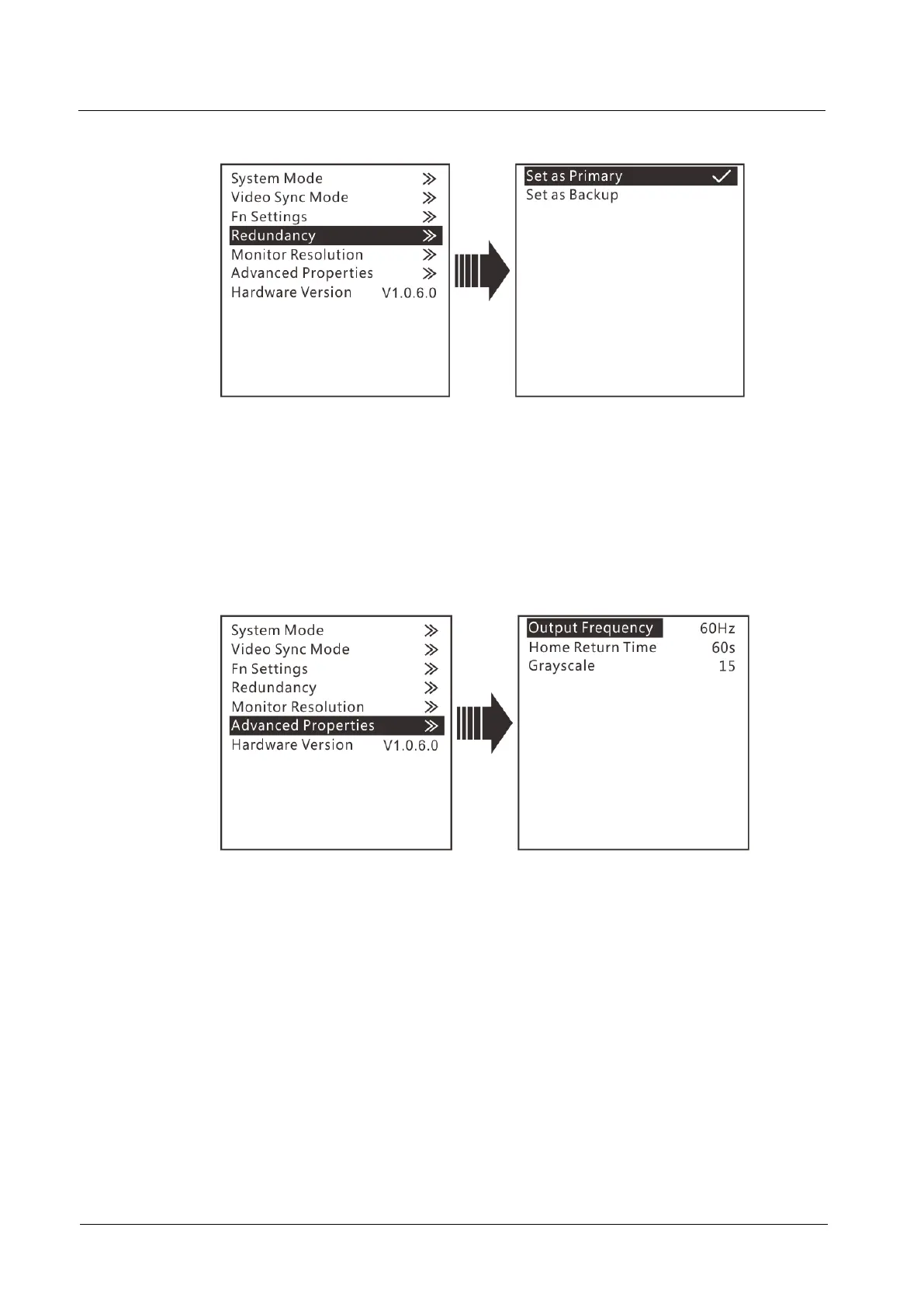
Figure 3-26 Redundancy
Monitor Resolution
In this function, you can adjust the resolution of images displayed on the monitor
connected to the DVI connector. The resolution can be set to 1024×768, 1280×720,
1366×768, 1440×900, and 1920×1080.
Advanced Properties
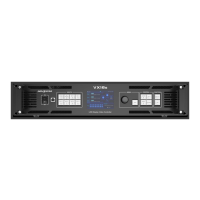
Figure 3-27 Advanced properties
Output Frequency: Adjust the output frequency of sending card. The range is
24 Hz–60 Hz.
Homepage Return Time: Set the period of time during which the system stays
at the current page before returning to the homepage automatically when there
is no operation performed.
Grayscale: Adjust the grayscale of the OLED screen. The range is 4–15.
Hardware Version
This function is used to check the hardware version of the VX6s. If a new version is
released, you can log in to NovaLCT on the PC to update the firmware programs of
the VX6s.


 To Next Page