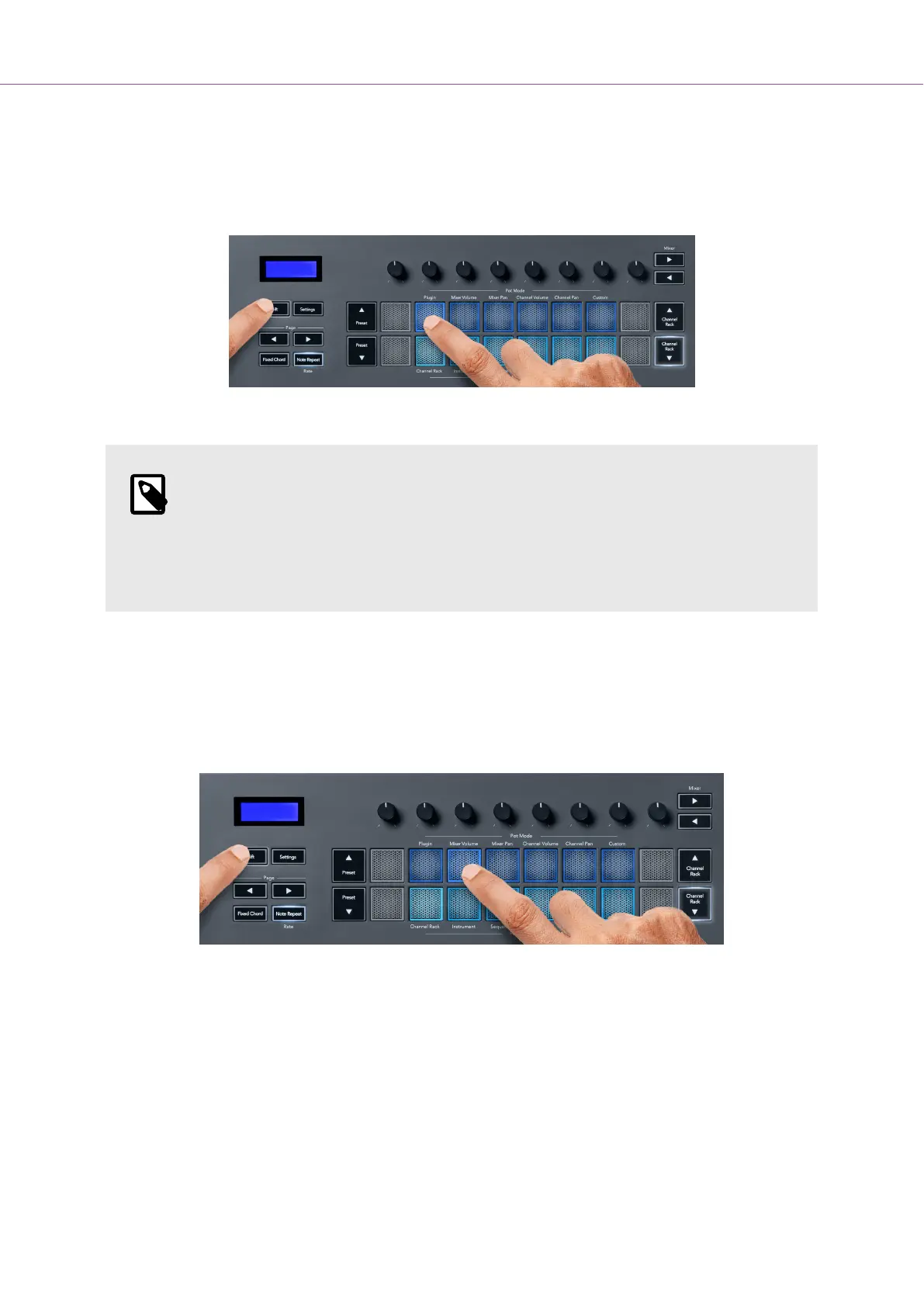
Pot Mode: Plugin
In Plugin mode, you can use the FLkey’s pots to control eight parameters in the plugin you have in
focus. Most native FL Studio plugins support FLkey’s pot mode.
NOTE
The parameters the FLkey maps to in FL Studio’s plugins are fixed preset mappings.
For third-party plugins, you can use the Custom pot mode to create your own
mappings.
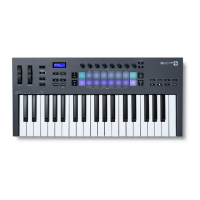
Pot Mode: Mixer Volume
In Mixer Volume mode, the FLkey’s eight pots map to the mixer faders in FL Studio. You can control
mixer track volumes in groups of eight.
Pot Mode: Mixer Pan
In Mixer Pan mode, the FLkey’s eight pots map to the pan controls in FL Studio’s mixer. You can control
the mixer track’s panning in groups of eight.
FLkey User Guide
16





 To Next Page