User Manual TXLD0012
Page | 38 Novoxel.com P/N T2-UM-E-ENG Rev 10
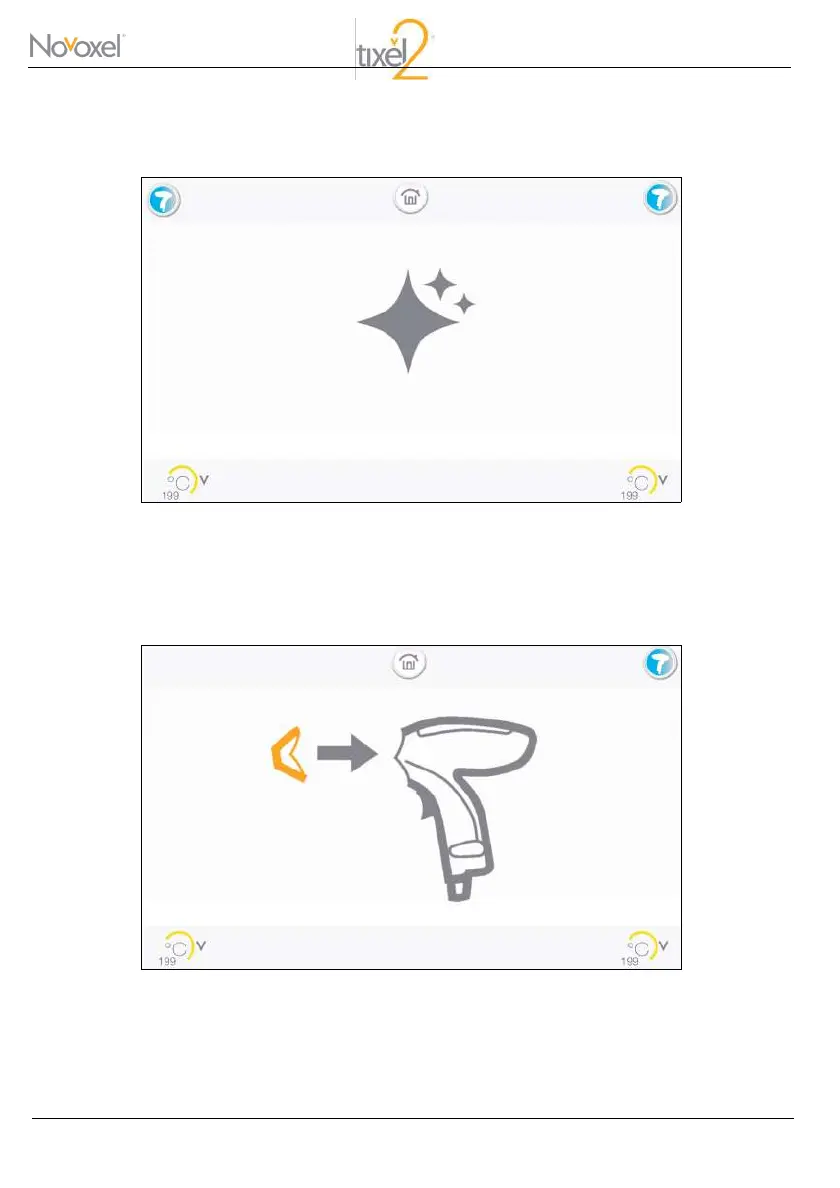
When the desired temperature has been reached, the following screen will be displayed:
Temperature Achieved Screen
Select the Handpiece you would like to clean by pressing on its icon. After your selection, the following
screen will be displayed, instructing you to remove the Handpiece’s DG.
Remove the Handpiece’s Distance Gauge



 To Next Page