Nox A1 Manual
~ 14 ~
Manually Starting/Stopping Nox A1
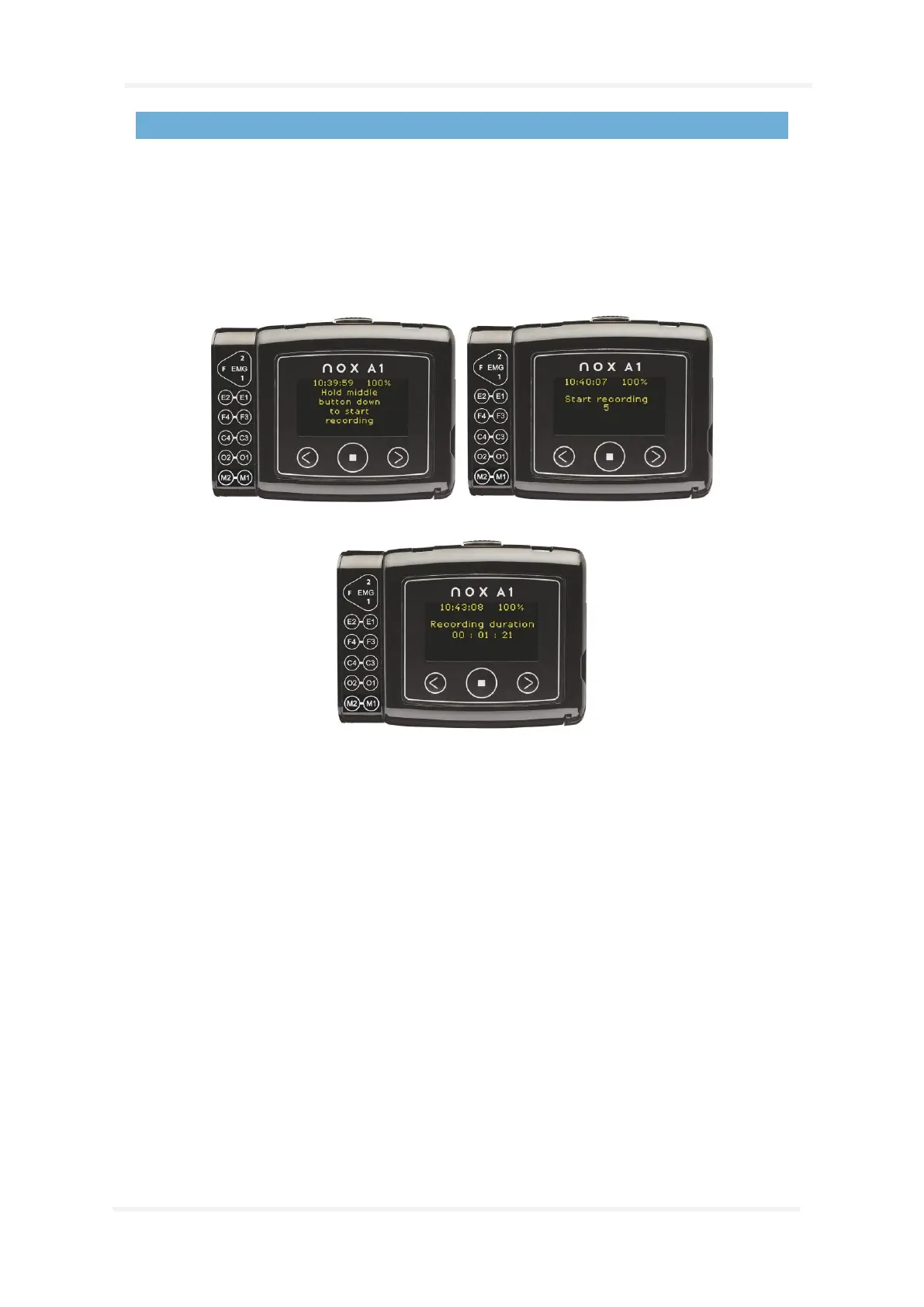
If the Nox A1 recorder has been configured to start the recording manually, you can use the Middle
button to manually start a recording. Pressing the middle button turns on the display. The device will
instruct you to “Hold middle button down to start recording”. Please do so until you see “Recording
Duration” displayed. Note the Middle button needs to be pressed down for approximately 4-5 s
before “Recording Duration” displays. At this point the device has started to record data. After the
display turns off, the light on the top right side of the display will blink green intermittently indicating
that recording is taking place. Use the same method to manually stop the recording.
If the duration of the recording has been specified during configuration, the recording will
automatically stop after the specified duration.


 To Next Page