Starting Nox A1 at a Scheduled Time
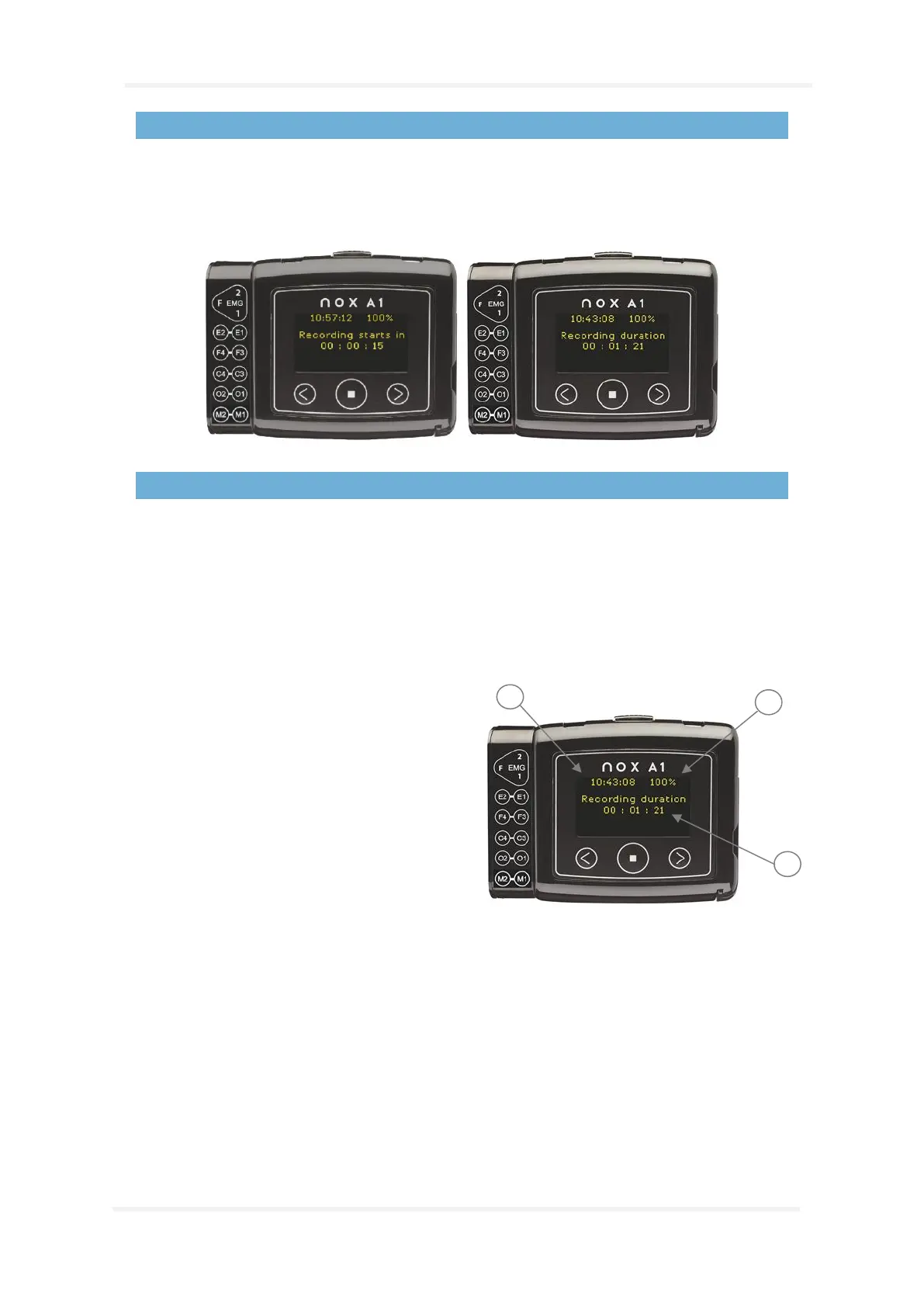
If the Nox A1 recorder has been configured to automatically start a recording at a scheduled time
there are no actions required for the recording to start. Pressing the Middle button before the
recording has started will display a countdown to the specified start time of the recording. If the
recording has begun, the display shows the current duration of the recording.
Nox A1 Status
The indicator light on the Nox A1 recorder blinks green when a recording is in progress and the device
is functioning normally. When there are any device warnings the indicator light blinks orange.
Warnings might include:
• Battery low
Information about the recording duration and the device is shown on the display. If the display is
turned off, pressing the Middle button turns it on. The display will turn itself off again after being
inactive for about 20 seconds. When Nox A1 is configured the clock is synchronized with the PC and is
shown at the top of the display.
1. On the top right corner is a battery
indicator which shows the battery status.
The battery indicator shows 100% when
the device has fresh batteries.
2. Duration being displayed.
3. The device’s clock


 To Next Page