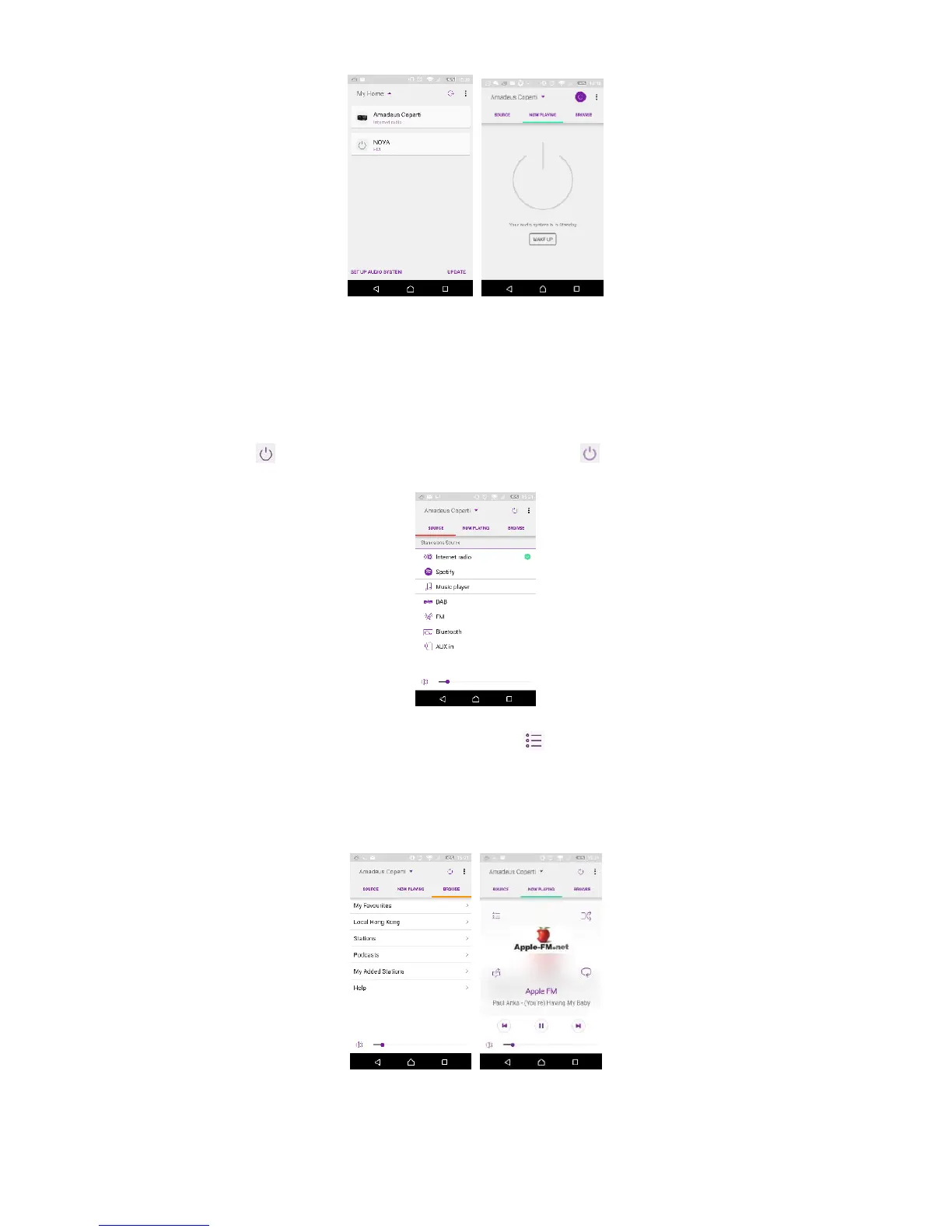
Once the smartphone / tablet has accessed to the device, they will be
automatically connected next time when you open the app again.
Select your desired mode in the main page. You may then control the selected
mode on your smartphone / tablet and on the display of the device
simultaneously.
Tap to go to the standby mode. Tap again or “wake up” to go to
operation mode.
Tap "Browse" to view the details. Tap to view the saved preset stations,
and tap (+) to add the playing station to the desired preset station number.
• Internet Radio
Browse the station list, choose station and view the station rolling text from
the app.



 To Next Page