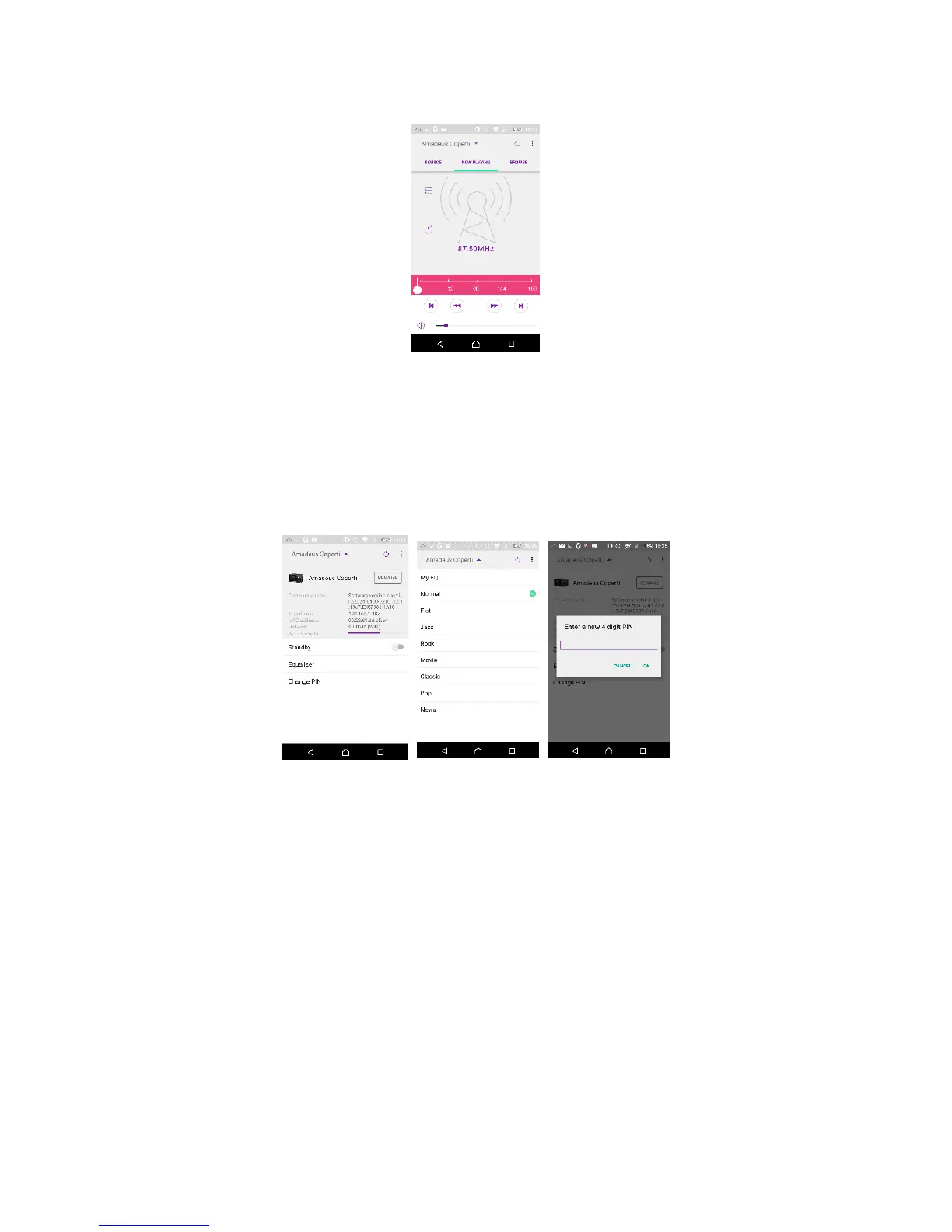
• FM
Manual search or scan the stations from the app.
From the app, you can also control to operate STANDBY/ON, EQUALIZER,
CHANGE PIN and RENAME of the device under SETTING menu
For CHANGE PIN setting, please also refer to Section 5.2.3.
RadioVIS is a channel for broadcasters to deliver Slideshows over the Internet.
RadioVIS Slideshows appear like the DAB+ slideshows, they are closely associated
with the broadcasted audio service. However it is only available in some
countries around the world. (Visit radioDNS.org for more details about their
broadcasts.)
Once RadioVIS is enabled in the app, and the slideshows are available, the
slideshows will be shown from Now Playing display in the DAB mode or FM mode
on the NetRemote app.
NOTE: Be aware that if another smartphone / tablet with the app in the same
network have access with the device, the original connection will be cut off.



 To Next Page