NU-SET Smart-Box Series Lockbox User Guide
5
▀ Items Included
✔
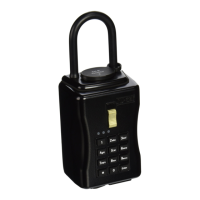
Electronic Lockbox
✔
USB Flash Drive (with Application and User Manual)
✔
4x AA Battery
✔
Reset Tool (7010 Model Only)
✔
Mounting Screws (7060 Model Only)
✔
Battery Holder (Optional)
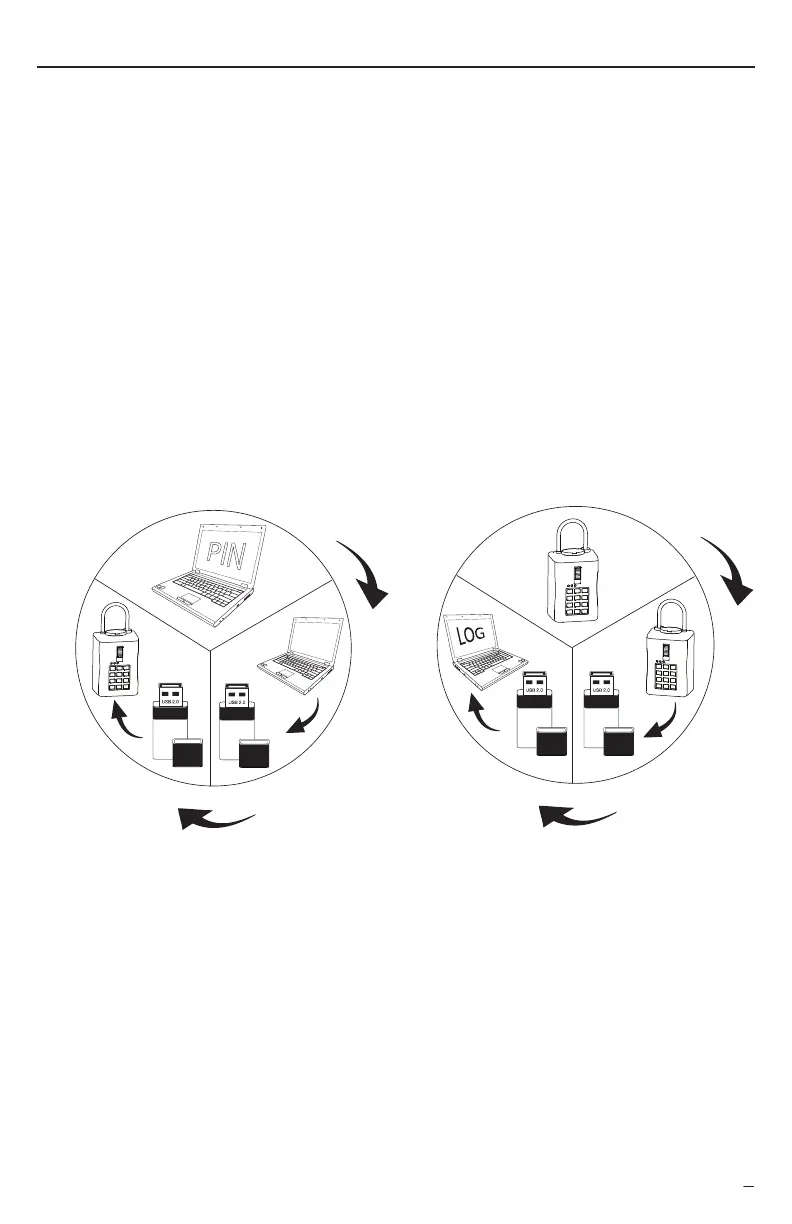
▀ How it Works
▀ System Requirement
Computer running Windows XP, Vista, Windows 7, Windows 8, or Mac OS X with Java installed
USB port
4x AA-Battery (Included)
▀ Battery Life
Introduction
Thank you for purchasing the NU-SET® Smart-Box™ Series electronic lockbox. To get your lockbox
ready, please read this manual thoroughly. Should you experience technical difficulties using our
products, please call our customer support at 1-800-606-8738 for assistance.
Smart-Box Series lockbox requires 4 AA-Battery to run. Each set of fresh battery can
standby for up to 500 days. If the batteries are drained or the lockbox cannot open
using valid access code, it will require an external power source to unlock. Locate the
power inlet at the bottom of the lockbox, plug in the battery pre-loaded battery holder
(sold separately) and turn on the ON/OFF switch to power up.
PIN
PIN
GENERATE PIN & DURATION
UPLOAD
PIN
TRANSFER
PIN
RECORD ACCESS LOG
TRANSFER
ACCESS LOG
DOWNLOAD
ACCESS LOG
LOG
LOG


 To Next Page