- 10 -
2. Ensure the Bluetooth is enabled on your smartphone.
3. When your Nuband Optim is charged, place on your wrist and
fasten the buckle.
4. Install the Nuband Elite app on your smartphone (available free
for Android and iOS devices from the Google Play and Apple
App Store).
5. Follow the instructions on the app to add your information and
connect your Nuband to your smartphone (more information and
screenshots are in the App guidance in this guide).
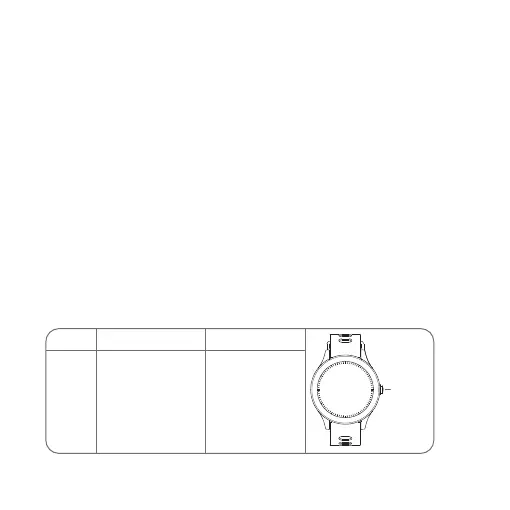
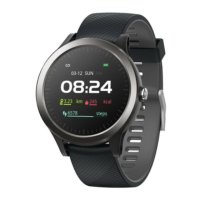
Basic operation of Nuband Optim
About the Button
Short Press
1. Wake up the watch
screen
2.End exercise
3.Return to the
previous menu
1. Power on
2.Power o
Long Press
Physical
Button
Physical
Button


 To Next Page