- 11 -
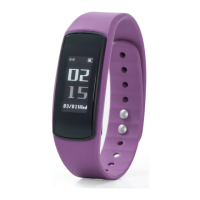
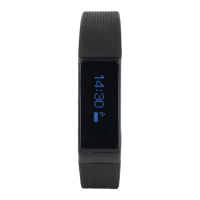
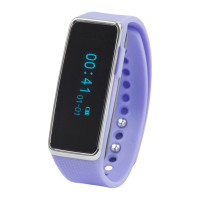
NAVIGATING YOUR WATCH
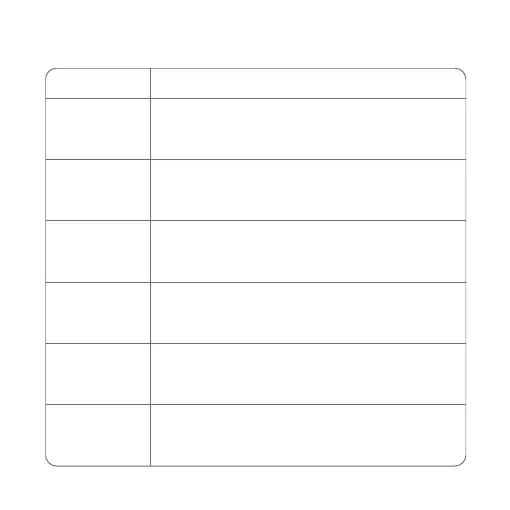
Condition
Swipeup
Swipedown
Swipe left
Swipe right
Tap the screen
Long press the
screen
1. Access stopwatch (From the home screen).
2. Switch options.
1. View notifications(From the home screen).
2. Switch options.
Access Sports, Setting, Heart Rate, Steps,
Distance and Calories.
1. Access Heart Rate, Steps, Distance and
Calories,Setting,Sports.
2. Return to the previous menu.
Enter the sub-interface.
1. End exercise (Except swimming).
2. Change the watch face (From the home screen).
Operation


 To Next Page