Product features
N5
Product Introduction
Guide and Sequence
for Product Installation
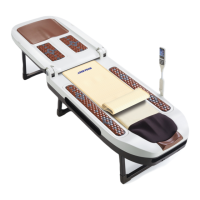
Sophisticated Design
The ergonomic design ensures comfort during use.
Beautiful materials with good tactile impression in high quality are applied.
The brown color appears elegant and calming.
Convenient foldable structure
It can be folded in half, which facilitates storage under the bed or in confined
spaces. It is equipped with wheels, making it easier to move.
Internal Projector Designed in Human Engineering
The internal projector is designed to move in all four directions at
a pre-set angle, which ensures that the acupressure is applied uniformly all
over the body. It is equipped with a separate element for the cervical vertebral
region.
Conveniently Designed External projector
External projector is designed in a size conveniently held and used with a hand,
which can be stored in a basket nicely during no use.
Internal Driving Method with Noise Reduction
There are few noises thanks to the minimized friction between the internal
projector and rail due to the specially designed guard rail which can be used
semi-permanently by minimizing the driving load.
Convenient Controller Holder
ÛURWDWLRQDQGVWRUDJHLVPDGHSRVVLEOHWRSUHYHQWGDPDJHWRWKHFRQWUROOHU
The user can change the angle to his or her desire.
Multifunctional Controller Integrated into One
It is equipped with a liquid crystal display (LCD) for more convenient use, and
the user can feel at ease, listening to soothing music through the high-quality speaker.
Auxiliary Heating Part and Tourmanium Mat
There is a Tourmanium mat in the auxiliary heating part.
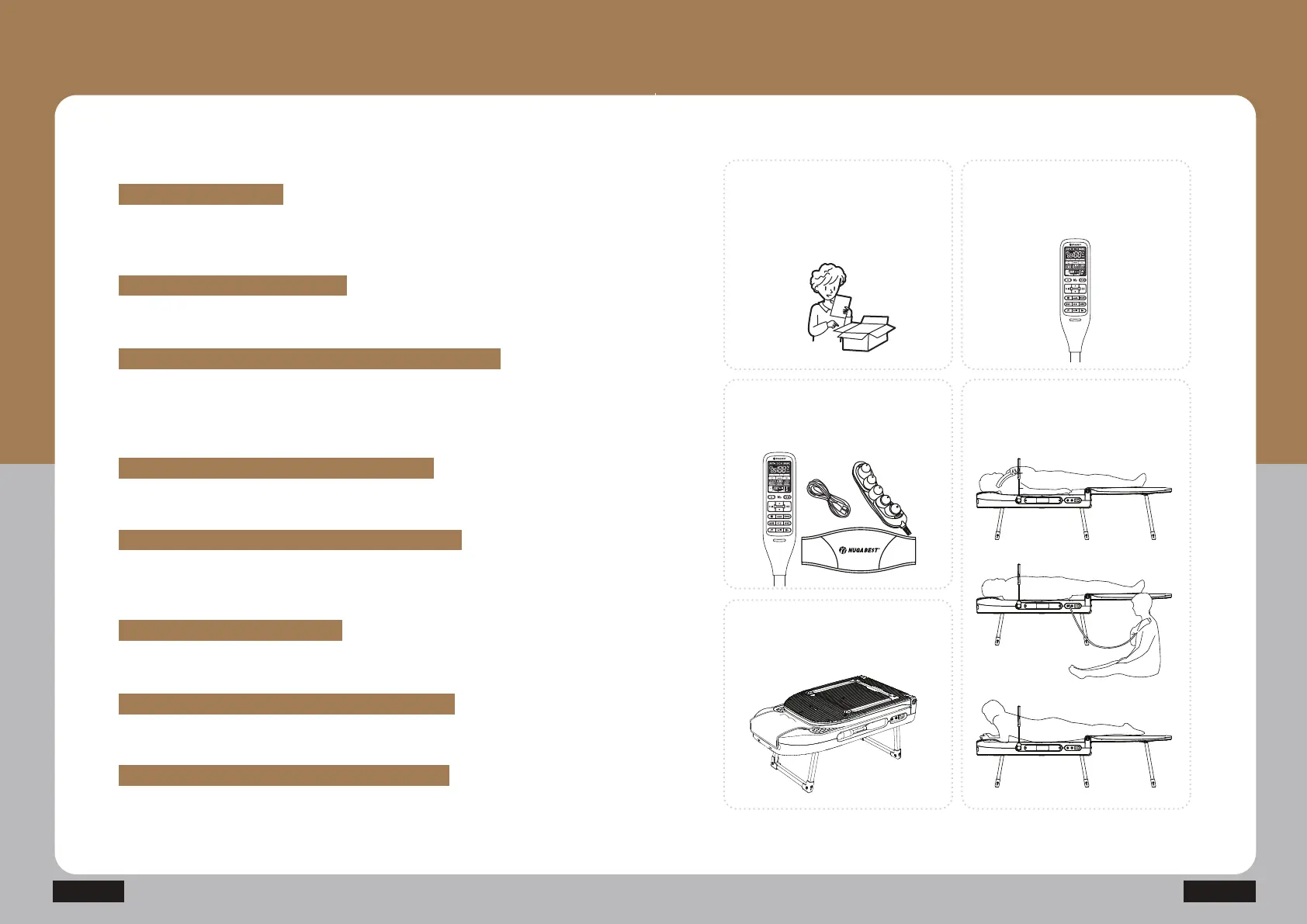
How to refer to cautions
for safety
Refer to cautions to be kept during
the product use.
(Refer to Page 3 in this User Manual
for more details.)
How to Use the Controller
(Refer to Page 22 in this User
Manual for more details.)
How to check out the
product components
(Refer to Page 12 in this User
Manual for more details.)
How to use the product
(Refer to Page 32 in this User
Manual for more details.)
How to Install the Product
(Refer to Page 16 in this User
Manual for more details.)


 To Next Page