4 - 42 en-938821/2
4.10.2 Display of External Parameters
The operator can display 15 external parameters simultaneously.
Requirements
"CNC COMMUNICATION DISPLAY" menu displayed (See 4.10).
Actions
Select "EXTERNAL PARAMETERS". ☞
!
1
Display of the dialogue line:
PARAMETERS (E..) ❚
Enter the list of parameters to be displayed "Exxxxx Eyyyyy ..." (15 maximum). ☞
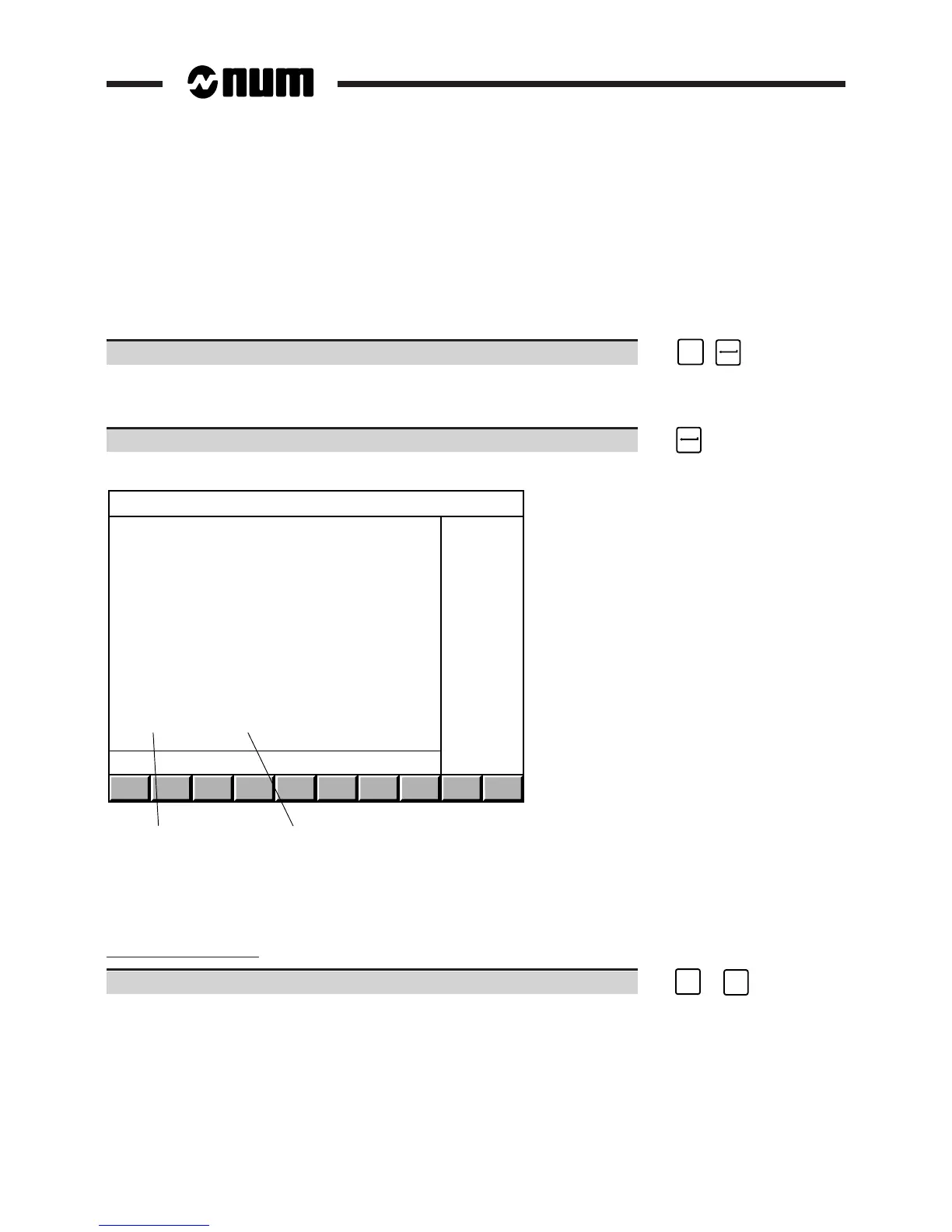
Display of the "EXTERNAL PARAMETERS" page:
1
2
EXTERNAL PARAMETERS
E40000 + 0
E40001 + 25
E40002 + 63
E40003 + 734
E40004 + 51
E40005 + 82
E41002 + 1
E41003 + 0
E50000 + 11
E50001 + 0
E51001 + 0
E52001 + 5000
E70000 - 220000
E71000 - 193825
>E72000 + 0
1 - Parameter values
2 - External parameters
Editing the list of parameters to be displayed
Pointing to a parameter
Move the pointer to the parameter. ☞
➞
or
➞



 To Next Page